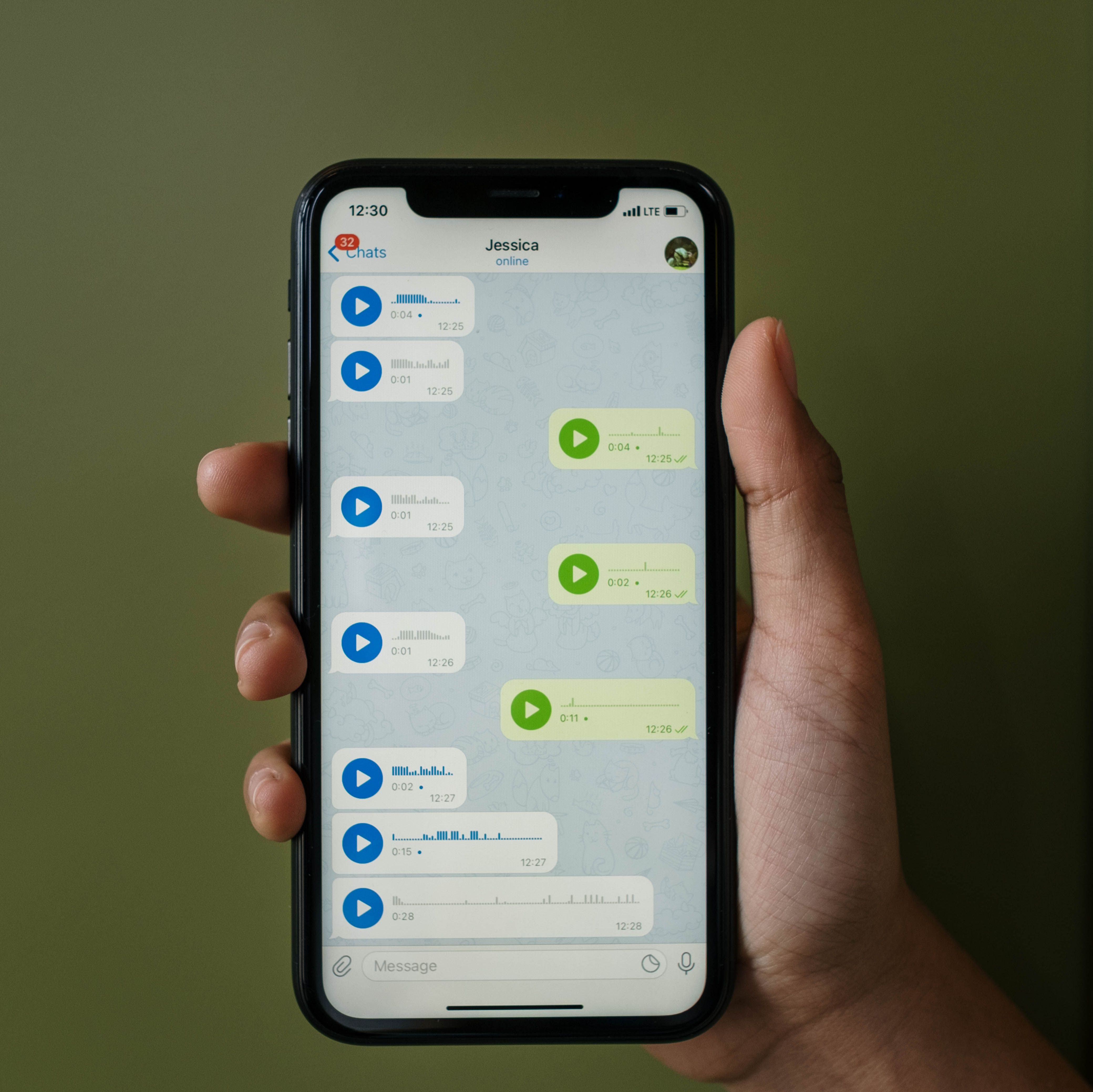

Multimodal AI chatbots can understand and respond using text, voice, images, and even video. For handling complex customer inquiries – such as product troubleshooting, claim documentation, or visual identification – multimodal capabilities are essential. Traditional textonly chatbots struggle when customers need to share photos, screenshots, or documents. A multimodal chatbot can accept a photo of a damaged product, use computer vision to assess the damage, and automatically approve a return.
Similarly, in technical support, a customer can share a screenshot of an error message, and the chatbot can recognize the error code and provide a solution. This guide reviews the best multimodal AI chatbots for enterprises, including Instadesk, Google Dialogflow CX, Amazon Lex, and IBM Watson. It compares features like image recognition, voice integration, document understanding, and pricing.
Why Multimodal Chatbots Are Needed
Many customer inquiries cannot be resolved with text alone. Consider a customer trying to return a damaged item. Describing the damage in words is imprecise and timeconsuming. A photo shows exactly what is wrong. A multimodal chatbot can accept that photo, use computer vision to detect cracks, dents, or missing parts, and automatically determine if the item is eligible for return. This reduces return processing time from days to minutes.
Similarly, in insurance claims, a customer can upload photos of car damage after an accident. The chatbot can assess the damage, estimate repair costs, and initiate the claim process without human intervention. In healthcare, patients can share photos of skin conditions for preliminary triage. In manufacturing, technicians can upload photos of faulty equipment for diagnosis. Multimodal AI opens up countless automation possibilities.

Key Features of Multimodal Chatbots
• Image recognition: identify objects, damage, barcodes, QR codes, or error screens from uploaded photos. The AI can extract text from images (OCR), recognize logos, and classify visual defects.
• Voice input: understand spoken language for handsfree interaction, especially useful for mobile users or while driving.
• Document understanding: extract information from PDFs, invoices, receipts, or forms. The chatbot can read a PDF invoice and answer questions about the total amount, due date, or line items.
• File sharing: receive and send images, videos, and documents within the chat interface. Customers can drag and drop files directly.
• Integration with vision APIs: connect to Google Vision, AWS Rekognition, or Azure Computer Vision for advanced image analysis.
• Realtime feedback: the chatbot can ask the customer to retake a blurry photo or point the camera at a specific area.
Comparison of Multimodal AI Chatbots
| Tool | Best For | Image Recognition | Voice Input | Document Understanding | Pricing |
| Instadesk | Enterprise customer service | Yes (integrated with computer vision) | Yes | Yes | Payasyougo per conversation |
| Google Dialogflow CX | Developers | Yes (via Vision API) | Tes | Yes | Usagebased |
| Amazon Lex | AWS users | Yes (via Rekognition) | Yes | Yes | Per request |
| IBM Watson | Large enterprises | Yes (via Visual Recognition) | Yes | Yes | Enterprise |
How Instadesk Stands Out for Multimodal Interactions
Instadesk’s multimodal chatbot combines text, voice, and image recognition in one unified platform. Customers can send photos of damaged products for instant return processing, or screenshots of error messages for technical support. The chatbot uses pretrained computer vision models to interpret images without requiring custom training. It also supports voice input for handsfree interactions. All multimodal interactions are logged and available for quality monitoring. Payasyougo perconversation pricing has no perseat minimum. A free trial with 500 conversations is available.
Case Study: ECommerce Retailer Reduces Return Processing Time by 70%
An ecommerce retailer selling electronics deployed Instadesk’s multimodal chatbot for return handling. Customers could upload photos of damaged items directly in the chat. The chatbot automatically assessed the damage using computer vision, approved eligible returns, and generated return labels. Return processing time dropped from 2 days to 4 hours (70% reduction). The retailer also reduced manual return review costs by 50%. Customer satisfaction for returns increased from 68% to 89%.
How to Implement a Multimodal Chatbot
• Identify use cases where visual input adds value (returns, claims, technical support, inspections).
• Choose a platform with integrated image recognition (Instadesk).
• Configure the chatbot to accept image uploads and define what to do with the images (e.g., send to vision API, store for agent review).
• Train the vision model on your specific product or damage types (optional for standard use cases).
• Test with sample images to ensure accurate recognition.
• Deploy and monitor.
Conclusion
For enterprises handling complex inquiries that require visual input, multimodal AI chatbots improve accuracy, reduce resolution time, and enhance customer experience. Instadesk offers an integrated solution with image recognition and voice capabilities. Start with a free trial.