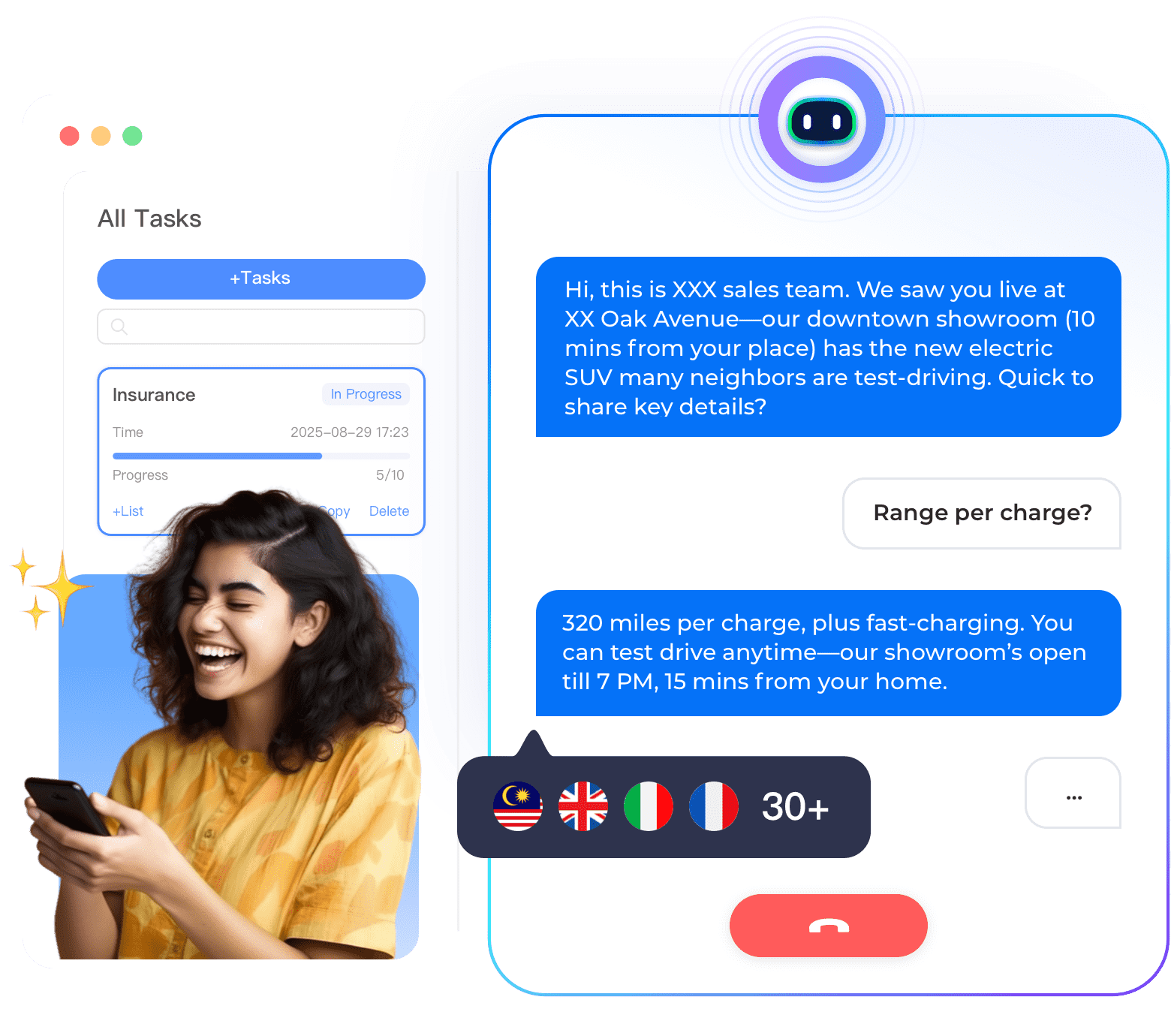

Banks are increasingly adopting AI voice assistants to automate customer calls, reduce wait times, and improve satisfaction. This stepbystep solution guide explains how to build a voice assistant using Instadesk’s nocode platform. No programming or AI expertise is required. By the end, you will have a working voice assistant that answers customer calls about balances, transactions, and loan status.
Why Banks Need an AI Voice Assistant
Bank customers frequently call about account balances, transaction history, credit card due dates, and loan status. These routine calls consume 50-70% of agent time. A voice assistant can handle these automatically, 24/7, reducing wait times and freeing agents for complex issues such as fraud disputes and loan applications. According to industry data, banks using AI voice assistants reduce average handle time by 40-60% and improve customer satisfaction by 20-30%.
StepbyStep Solution
• Step 1: Identify your top call intents. Review call logs to find the most common reasons customers call. For banks, typical intents include balance inquiry, transaction history, credit card due date, loan status, branch hours, and interest rate inquiry.
• Step 2: Sign up for Instadesk and get a phone number. Create a free Instadesk account. Choose a local phone number in your country (e.g., +65 for Singapore, +63 for Philippines, +60 for Malaysia). The number is provisioned instantly.
• Step 3: Use the prebuilt banking template. Instadesk offers a banking template with preconfigured intents for balance, transaction history, due date, and loan status. Select the template – it comes with conversation flows ready to use, including natural language examples for each intent.
• Step 4: Customize the responses. Edit the responses to match your bank’s exact wording. For example, change “Your balance is [amount]” to “Your current account balance is [amount] as of today.” You can also add your bank’s brand voice and compliance disclosures.
• Step 5: Integrate with your core banking system (optional). For realtime data, connect the voice assistant to your core banking system using Instadesk’s prebuilt connectors for Silverlake, TCS BaNCS, or custom APIs. This enables the assistant to pull live balances and transaction histories.
• Step 6: Test the voice assistant. Call your number and ask questions like “What is my balance?”, “Show me my last three transactions”, “What is my credit card due date?”. Verify that the assistant responds correctly. Test edge cases like “I didn’t understand” to ensure graceful fallback.
• Step 7: Deploy and promote. Add the phone number to your website, mobile app, and customer communications. Monitor analytics to see which intents are most common and refine responses.
Case Study: Philippine Bank Deploys Voice Assistant in 3 Weeks
A Philippine bank followed this guide and deployed a voice assistant for balance and transaction inquiries in 3 weeks. The assistant handled 55% of routine calls automatically, reducing wait time from 7 minutes to 2 minutes. Customer satisfaction increased from 68% to 86%. The bank saved PHP 5 million annually in call center costs.
Conclusion
Building an AI voice assistant for your bank is straightforward with Instadesk’s nocode platform. Start with a free trial.