
Why Your Customer Service Emails Need More Than Just a Reply Button
Email remains one of the most trusted channels for customer support. Customers use it to report issues, ask questions, and follow up on unresolved problems. But sending a reply is no longer enough. Mailbox providers like Gmail have become much stricter about what lands in the primary inbox — and customer service emails are not exempt from these rules.
Gmail's latest sender guidelines
Gmail's latest sender guidelines had made it clear. Authentication, spam complaint rates, user engagement, and consistent sending volume all affect deliverability. When a customer service email fails any of these checks, it may never reach the customer. And when that happens, the issue doesn’t get resolved. The customer gets more frustrated. And your team ends up wondering why no one responded.
The reality is that every email your support team sends carries the reputation of your sending domain. A poorly configured SPF record, a sudden spike in outbound replies, or a customer marking a service email as spam can damage that reputation. Once damaged, recovery is slow and expensive.
How do customer service teams protect their email deliverability?
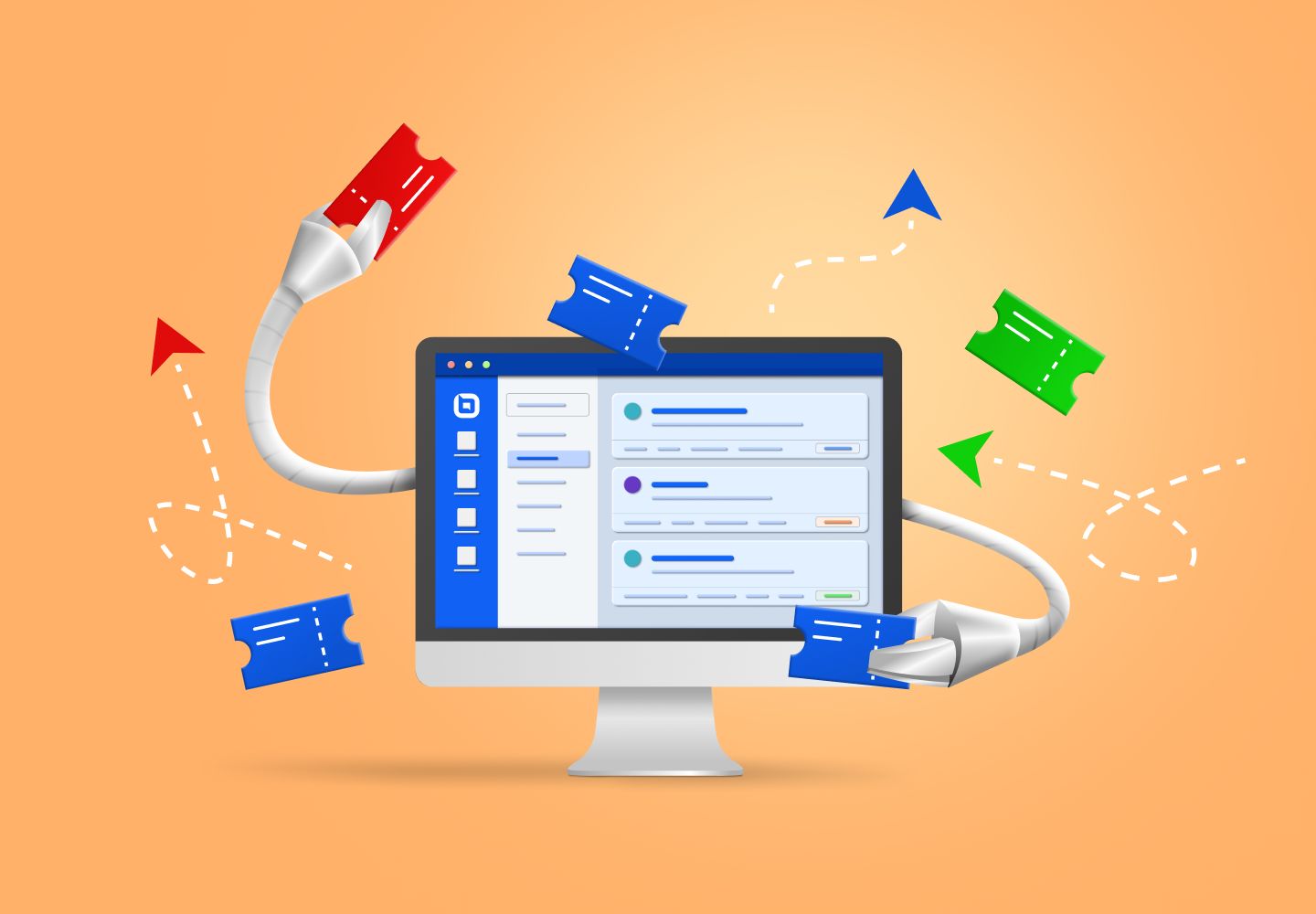
The answer lies in having a structured system. A ticket system manages not only the content of replies, but also the infrastructure and behavior behind them. The following sections will provide some insights upon this matter.
Authentication and consistency start before the first reply
Gmail requires senders to set up SPF, DKIM, and DMARC before any bulk sending. For customer service teams, every email sent to a customer counts toward that requirement. If your support address uses a shared domain or an unauthenticated sending setup, mailbox providers may treat your replies as suspicious.
A dedicated customer service infrastructure ensures that every outgoing email is properly authenticated. This means using a verified sending domain, maintaining consistent “from” addresses, and avoiding sudden spikes in volume that look like bot behavior. When replies come from a stable, authenticated source, they are far more likely to reach the customer’s inbox.
Respecting user choice across channels
When a customer replies to a support email with “stop emailing me,” that request needs to be honored everywhere — not just in one conversation thread.
But in many support teams, opt-out signals get lost. Different agents handle different tickets. No single system tracks the customer’s preference across channels.
A ticket system changes that. It maintains a unified customer record that syncs preferences across every interaction. If a customer asks not to receive follow-up emails, that preference applies to all future tickets, regardless of which agent handles the conversation. This not only respects the customer’s choice but also reduces the risk of spam complaints that hurt your domain reputation.
Monitoring reputation: tracking delivery metrics
Google recommends using Postmaster Tools to monitor spam complaint rates and delivery errors. But many customer service teams don’t have visibility into these metrics because their email is sent from addresses not integrated into those tools. Without visibility, a rising complaint rate goes unnoticed until it’s too late.
A well-designed ticket system can bridge this gap by logging delivery outcomes and flagging patterns that suggest reputation issues. It helps teams see whether emails are being marked as spam, bounced, or deferred. With that information, they can adjust their reply content, sending frequency, or infrastructure before deliverability collapses.
Consistent sending volume protects against sudden deferrals
Gmail warns senders against ramping up volume too quickly. A sudden spike in outgoing emails can trigger temporary deferrals or even blocklisting. For customer service teams, volume is often unpredictable. A product launch or seasonal promotion can double ticket volume overnight.
A ticket system that manages outbound email queues can help smooth those spikes. Instead of sending all replies at once, it spaces them out over time. This mimics natural human sending patterns and avoids the sudden bursts that mailbox providers flag as suspicious.
Email deliverability managed, customer service improves
Consider the case of a global smart home device brand that unified over 20 fragmented service channels into a single ticket system.
By centralizing email, chat, and social media inquiries, the company achieved a 99.2 percent ticket SLA and real-time service across 15 languages. Customers no longer had to repeat themselves, and emails landed where they belonged — in the inbox, not the spam folder.
Another example comes from an international eyewear brand that expanded service coverage from 10 countries to 193 countries. After implementing a unified ticket system, agent efficiency improved by over 50 percent, and night service gaps dropped by 80 percent.
The right ticket system turns email from a liability into a reliable channel
Email is not going away. But the rules of email have changed. Customer service teams that ignore authentication, consistency, and user preferences will find their replies increasingly blocked or ignored. Those that adopt a structured approach — with proper authentication, unified preference tracking, delivery monitoring, and volume management — will protect their sender reputation and keep conversations moving.
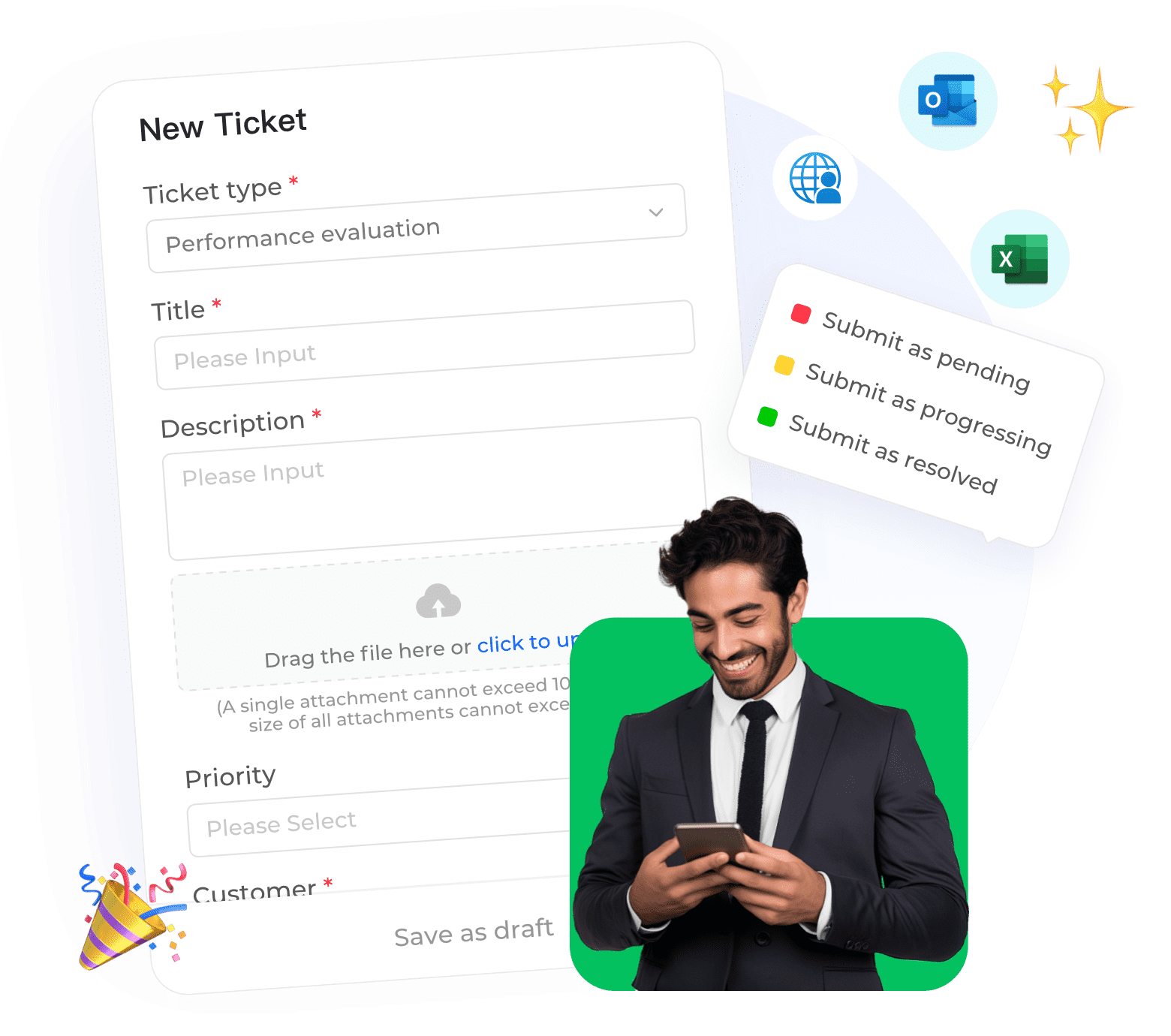
Instadesk Ticket System was built with these realities in mind. It centralizes email, chat, and social media inquiries into a single workspace, automatically converting customer messages into trackable tickets. For customer service teams that rely on email, it turns a potential liability into a managed, reliable channel. One that protects sender reputation while helping customers get the answers they need.