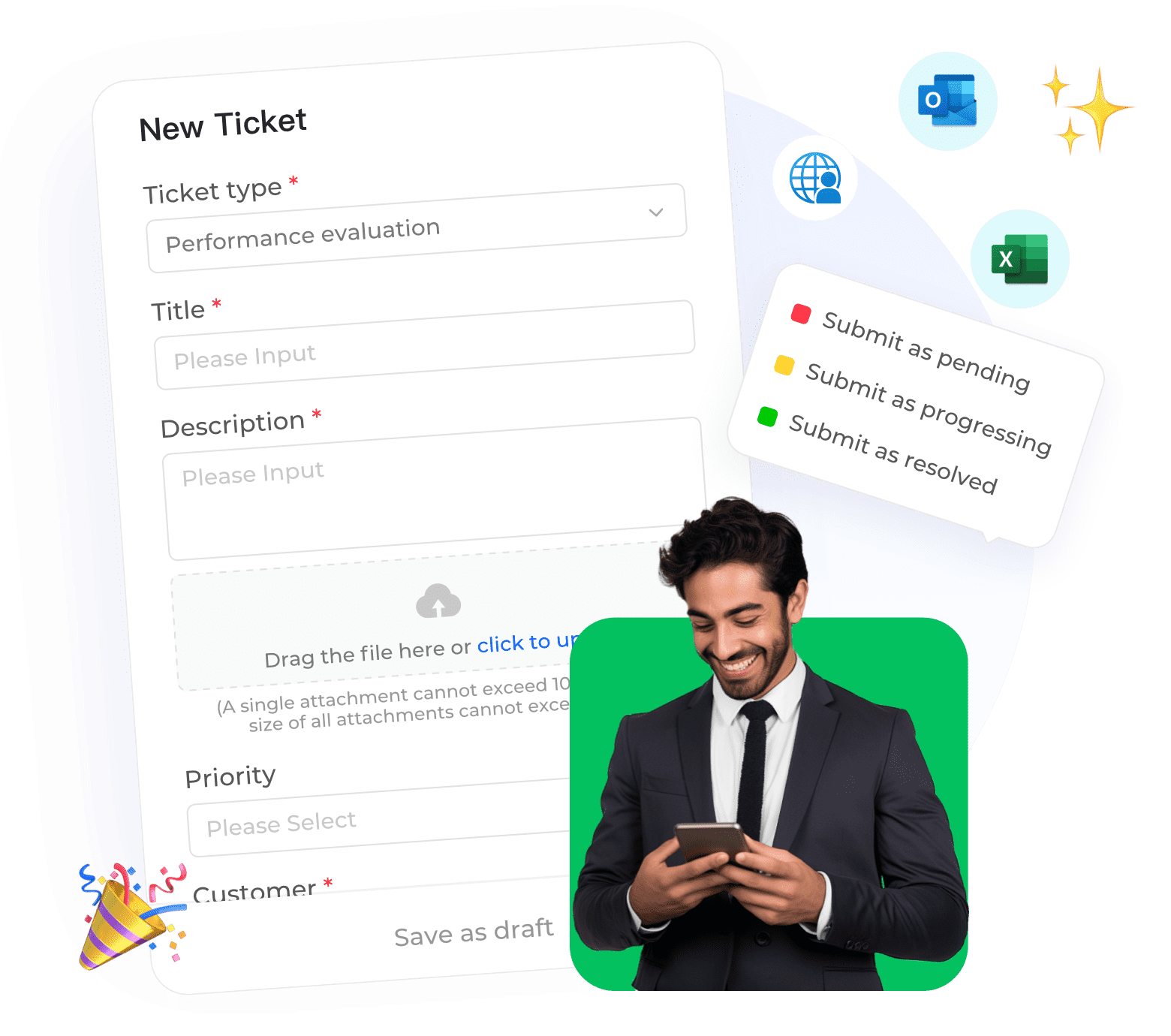
For internet companies—from SaaS startups to e-commerce giants—customer support can make or break the business. A chaotic email inbox leads to lost messages, delayed responses, and frustrated users. A well-configured ticketing system transforms support into a streamlined, accountable process. Follow this step-by-step guide using Instadesk Ticket System.Step 1: Define Ticket Categories and Priorities
Start by mapping your common support requests. Examples:
• Billing issues
• Technical bugs
• Feature requests•
Account management

Assign priority levels (e.g., Urgent, High, Medium, Low) based on impact. This classification will drive automation later.
Step 2: Configure Automated Routing and AssignmentSet up rules to automatically assign tickets to the right team or agent. With Instadesk, you can use:
• Round-robin for load balancing.
• Skill-based routing (e.g., billing tickets go to finance team).
• AI-powered routing that learns from past assignments.
Ensure nothing falls through the cracks with mandatory assignment.
Step 3: Integrate All Communication ChannelsYour ticketing system should capture inquiries from every channel:
• Email (support@yourcompany.com)
• Live chat transcripts
• Social media DMs (Twitter, Facebook)
• Contact forms on your website
Instadesk Ticket System provides omnichannel integration, so all conversations become tickets automatically, with full context preserved.
Step 4: Set SLAs and Escalation RulesDefine Service Level Agreements (SLAs) for each priority:
• Urgent: Respond within 1 hour, resolve within 4 hours.
• High: Respond within 4 hours, resolve within 24 hours.
• Medium: Respond within 24 hours, resolve within 3 days.
Configure escalations: if a ticket breaches its SLA, notify managers or reassign automatically.
Step 5: Analyze, Iterate, and OptimizeUse analytics to spot bottlenecks:
• Which categories take longest?
• Are some agents overloaded?
• What are common customer frustrations?
Instadesk’s reporting dashboards offer insights into response times, resolution rates, and customer satisfaction. Regularly review and tweak your workflows.
Case Study: Internet Firm Cuts Ticket Resolution Time by 30%A fast-growing internet company with 200,000+ users was struggling with an overflowing shared inbox. After implementing Instadesk Ticket System with automated routing and SLAs:
• Average first response time dropped from 12 hours to 2 hours.
• Resolution time decreased by 30%.
• Customer satisfaction rose by 25%.
The support team could finally focus on solving problems instead of sorting emails.
Conclusion
An efficient ticketing system is the backbone of excellent customer support. By following these steps with Instadesk, you’ll ensure every customer query is tracked, prioritized, and resolved quickly. Start optimizing your support today.