
Customer service teams rely on email to resolve issues and follow up on cases. But when those emails never reach the customer's inbox, nothing gets solved.
Your carefully written response could be sitting in a spam folder right now. The customer is still waiting. The issue remains open, and your team may not even realize anything is wrong.
Email deliverability isn't just a marketing concern. It affects every support interaction your team handles. Here are seven practical ways to keep your customer service emails out of spam.
1. Authenticate every email your support team sends
Email authentication proves you are who you say you are. SPF, DKIM, and DMARC tell mailbox providers that your messages are legitimate.
Google and Microsoft have tightened spam controls since 2025. Emails that fail authentication are now blocked at the server level or routed to spam without notification. Many support teams reply from unauthenticated domains, which makes genuine replies look suspicious. A centralized system can examine outbound email through properly configured infrastructure, ensuring every reply meets requirements.
2. Keep spam complaints below 0.1 percent
Both Gmail and Yahoo enforce spam complaint thresholds. For senders of more than 5,000 messages per day, the policy threshold is 0.3 percent, but Gmail‘s recommended target is below 0.1 percent.
For support teams, a spam complaint often means the customer didn’t recognize your reply or couldn‘t stop receiving emails. Every complaint damages your sender reputation. Ticket systems that unify customer preferences across channels help here. When a customer asks not to receive further emails, that preference can be applied globally.
3. Double-check every email address before sending
A mistyped email address doesn’t just bounce. It also hurts your sending reputation when mailbox providers see repeated failures from your domain.
Verifying addresses at the point of entry prevents this. When a customer submits a ticket by email, the system can validate the address before any reply is sent. This is especially important because ticket creation often happens automatically. If the system accepts invalid addresses, every future reply will bounce — and those bounces accumulate against your domain‘s reputation.
4. Let customers tell you what they want
Customers have different preferences about service emails. Some want every update. Others only want resolution ations. Sending too many emails will eventually cause them to hit the spam button.
A simple preference center lets customers choose how often they hear from your support team. More importantly, when a customer unsubscribes, that choice must be respected instantly across your entire platform. A ticket system that maintains a unified customer record can enforce unsubscribe preferences globally.

5. Clean up your email list regularly
Email addresses go bad. Customers change jobs, close accounts, or stop using certain providers. Continuing to send updates to dead addresses increases your bounce rate, which mailbox providers see as poor list management.
For support teams, this means you need a way to identify and suppress invalid addresses automatically. Every hard bounce should trigger a flag on the customer‘s record so future replies are not attempted. Manual list cleaning doesn’t work at scale. Automation is the only practical solution.
6. Monitor your engagement metrics
Mailbox providers watch how recipients interact with your emails. Opens, clicks, and replies signal that your messages are wanted. Spam complaints and mass deletions send the opposite message.
Poor engagement can push your emails to spam even if your authentication is perfect. When recipients consistently ignore your service updates, mailbox providers assume your content isn‘t relevant. Tracking email engagement for customer service communications is often overlooked. A ticket system that logs opens, link clicks, and reply rates can help identify problems before they damage deliverability.
7. Send consistent, recognizable content
Customers are more likely to mark email as spam when they don’t recognize the sender. If your support replies come from a generic address or vary between different “from” names, recipients may not trust the message.
Stick to a consistent sending domain, display name, and reply-to address for all service emails. Avoid subject lines that look like marketing spam. “Your request has been updated” is clear. “URGENT: Response required” looks like something else. Modern spam filters cross-check subject lines against content and brand identity.
How a ticket system protects your deliverability
Managing these seven practices manually is nearly impossible at scale. That‘s where a purpose-built ticket system comes in.
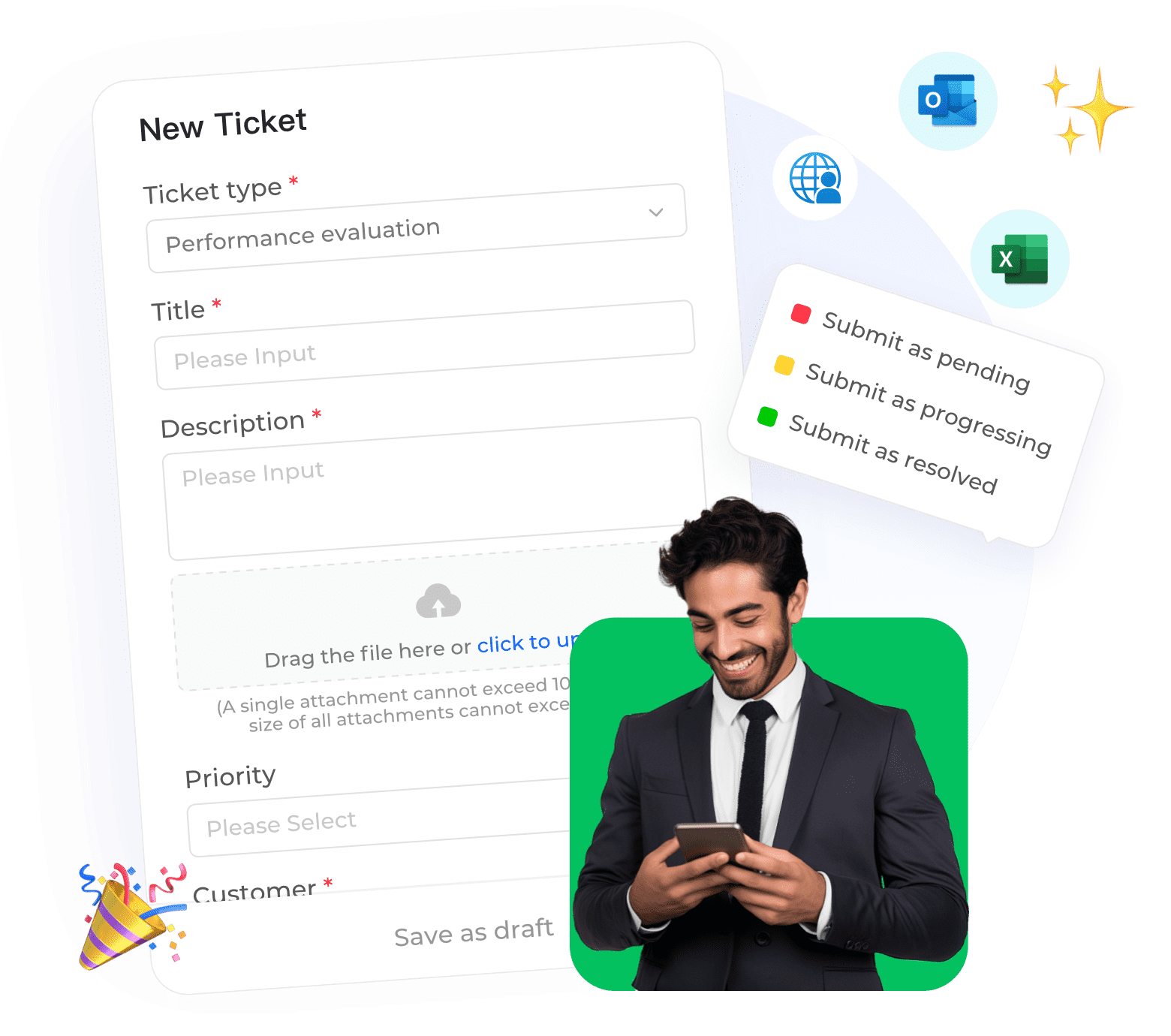
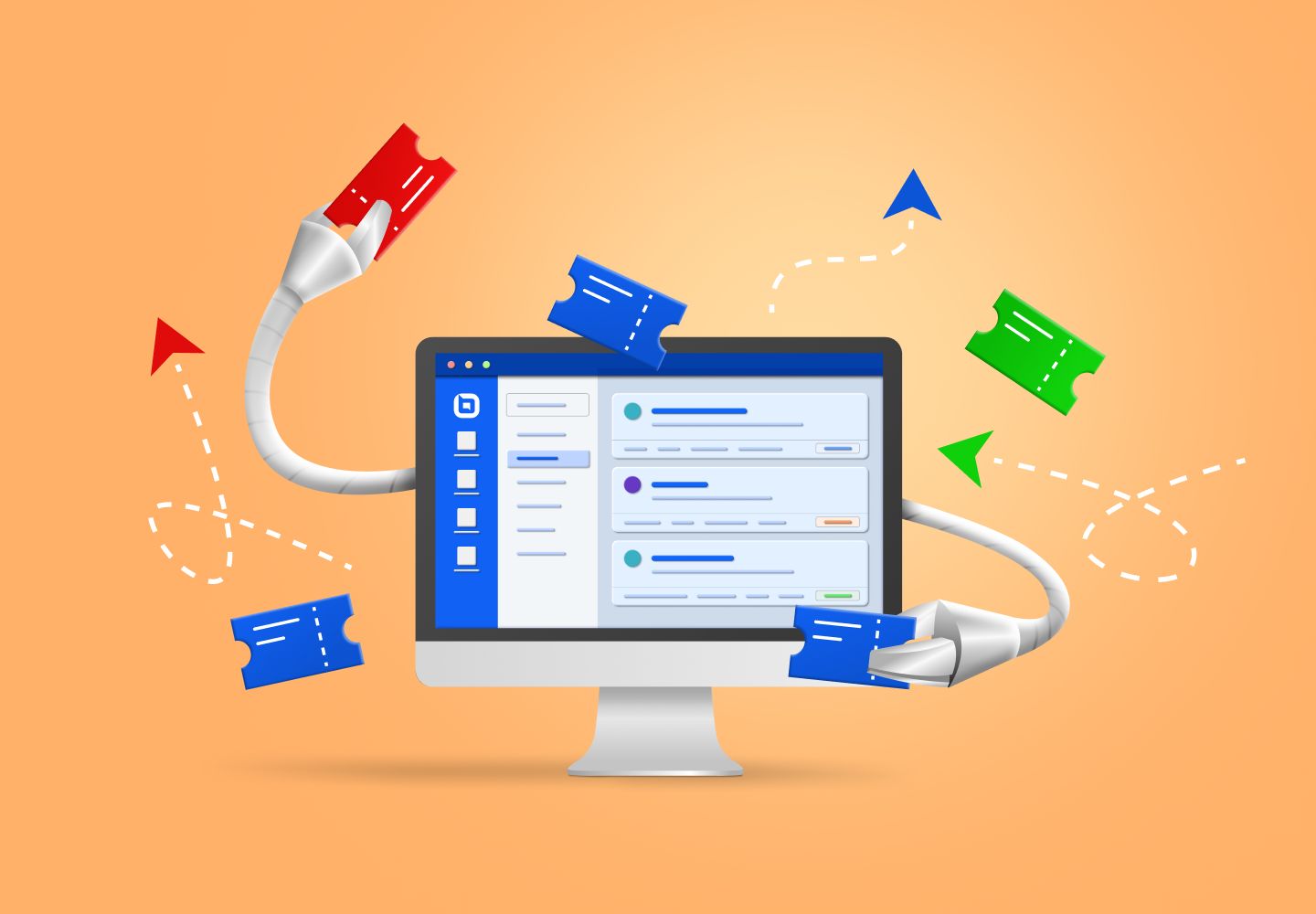
Instadesk Ticket System centralizes email, chat, and social media inquiries into a single workspace. It automatically converts customer messages into trackable tickets and ensures every outbound reply is properly authenticated.
A global smart home device company using Instadesk achieved a 99.2 percent ticket SLA and real-time service across 15 languages. An international eyewear brand expanded service coverage from 10 countries to 193 countries, improving agent efficiency by over 50 percent and cutting night service gaps by 80 percent.
The right ticket system doesn‘t just help you manage tickets — it protects your sender reputation so your customers actually receive your replies.