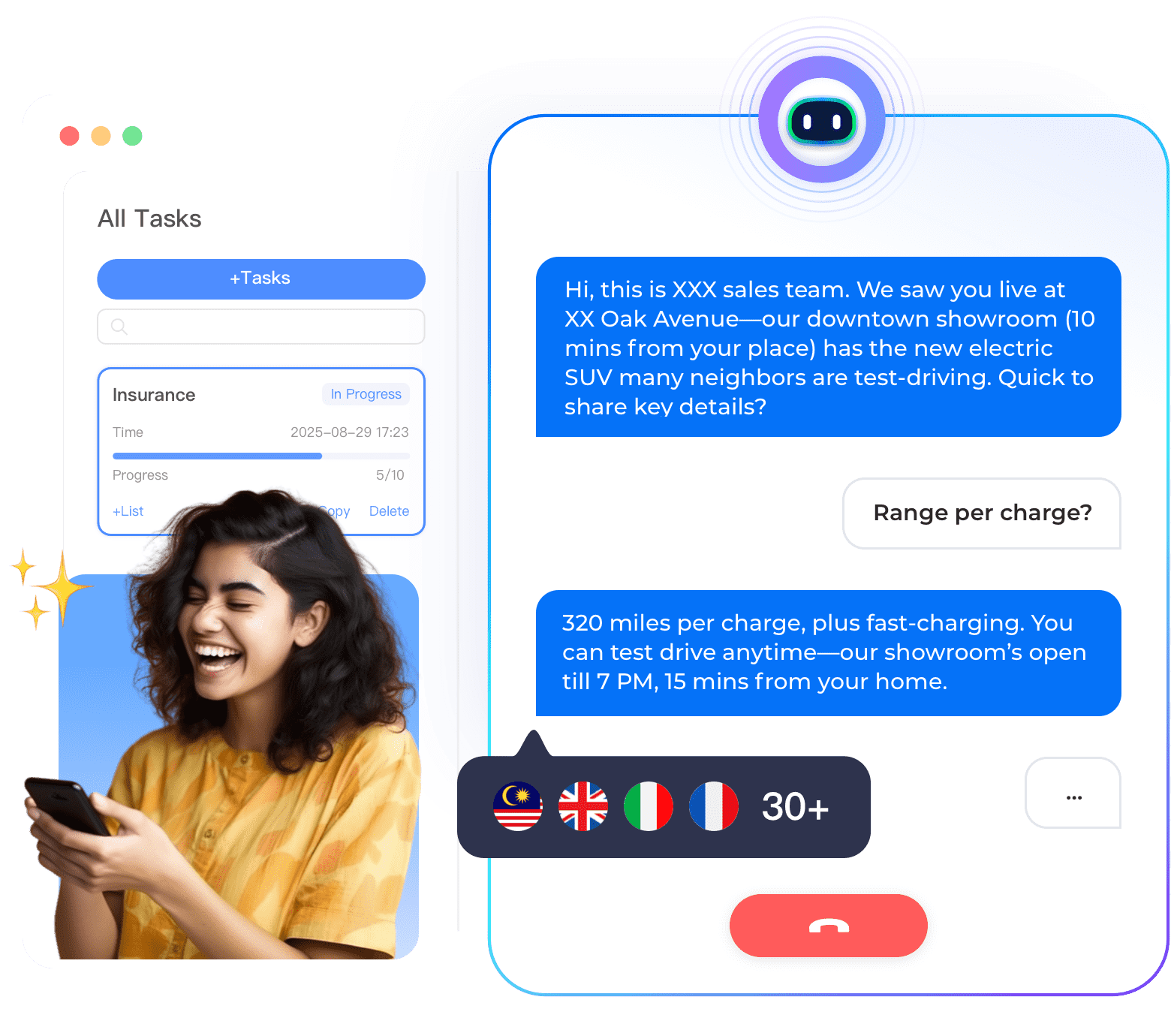

Internet companies (SaaS, ecommerce, marketplaces, social platforms) can benefit from AI voice assistants that handle customer support calls, lead qualification, and account management. This stepbystep solution guide explains how to create a voice assistant using Instadesk’s nocode platform. No programming or AI expertise is required. By the end, you will have a working voice assistant that answers customer calls and performs simple actions.
Why Internet Companies Need Voice Assistants
Internet companies receive calls about account issues, billing, subscription changes, and technical support. A voice assistant can handle routine inquiries 24/7, reducing wait times and agent workload. It can also qualify sales leads, schedule demos, and collect customer feedback. With a voice assistant, you can scale support without hiring additional staff.
StepbyStep Solution
• Step 1: Identify your top call intents. Review your call logs to find the most common reasons customers call. Typical intents for internet companies include account balance or subscription status, billing inquiry, password reset, service outage, feature question, upgrade request, cancellation request.
• Step 2: Sign up for Instadesk and get a phone number. Create a free Instadesk account. Choose a local phone number in your target country (e.g., US, UK, Singapore). The number is provisioned instantly.
• Step 3: Use a prebuilt template. Instadesk offers templates for SaaS support, ecommerce, and general customer service. Select the template closest to your use case. It comes with preconfigured intents and conversation flows.
• Step 4: Customize the conversation flows. Edit the responses to match your company’s policies and brand voice. For example, change the greeting to “Thank you for calling [Company Name].” Add your specific subscription tiers, pricing, and support hours.
• Step 5: Integrate with your systems (optional). For realtime account lookup (e.g., subscription status, billing history), connect the voice assistant to your CRM or billing system using Instadesk’s API or prebuilt connectors for Salesforce, HubSpot, or Stripe.
• Step 6: Test the voice assistant. Call your number and ask questions like “What is my account balance?”, “How do I reset my password?”, “What are your hours?”. Verify that the assistant responds correctly. Adjust flows as needed.
• Step 7: Deploy and promote. Once testing is complete, add the phone number to your website, email signature, and app. You can also set up call forwarding from your existing number.
Key Considerations for Internet Companies
Keep responses concise (under 20 seconds). Offer a clear optout or escalation path to human agents. Use the same brand voice and terminology as your website. Monitor analytics to identify new intents and improve over time.
Case Study: SaaS Company Reduces Support Calls by 50%
A B2B SaaS company with 10,000 customers deployed an Instadesk voice assistant for billing and subscription inquiries. The assistant answered “What is my next billing date?”, “How do I upgrade my plan?”, and “I need an invoice.” Results after 3 months: support calls to human agents dropped by 50%, average handle time reduced by 60%, and customer satisfaction increased by 20%.
Conclusion
Creating an AI voice assistant for your internet company is straightforward with Instadesk’s nocode platform. Start with a free trial and follow this stepbystep solution.