
Supermarkets receive hundreds of daily phone calls from customers asking about store hours, product availability, weekly promotions, loyalty points, and location directions. A welldesigned AI voice assistant can answer these routine questions automatically, freeing staff to focus on instore operations and customer service. This stepbystep guide shows how to build and deploy an AI voice assistant for your supermarket using Instadesk’s nocode platform. No programming or AI expertise is required. By the end of this guide, you will have a working voice assistant that answers real customer calls.

Why Supermarkets Need a Voice Assistant
Supermarkets operate on thin margins, and every minute an employee spends on the phone answering “What time do you close?” or “Do you have fresh salmon?” is a minute not spent stocking shelves, assisting shoppers, or managing inventory. A voice assistant can handle these repetitive inquiries automatically, 24/7, in multiple languages, and with consistent accuracy. Typical benefits include:
• Reducing phone call volume to staff by 50-70%.
• Freeing up 1-2 hours per day per store for instore tasks.
• Providing afterhours service (e.g., customers calling at 10 PM can still get store hours).
• Improving customer satisfaction with instant answers.
• Collecting data on the most common customer questions to optimize store operations.
StepbyStep Guide
Step 1: Sign up for a free Instadesk account. Go to Instadesk’s website (www.instadesk.com). Click on “Free Trial” in the top right corner. Enter your email address, create a password, and provide basic information (store name, country, estimated call volume). No credit card is required for the trial. After signup, you will be taken to the Instadesk dashboard. This entire process takes less than 3 minutes.
Step 2: Choose a local phone number. In the left sidebar, click “Phone Numbers,” then “Buy Number.” Select your country (e.g., Indonesia, Malaysia, Singapore, Thailand, Philippines, or others). Choose a city or region where your supermarket is located to get a local number that customers will recognize. For example, if your store is in Jakarta, select a +62 number with Jakarta area code. The number is provisioned instantly and costs nothing during the free trial. You can also port an existing number if you prefer.
Step 3: Use the prebuilt supermarket template. Navigate to “Voicebot” in the dashboard, then click “Templates.” Find the “Supermarket” template and click “Use Template.” This template comes with preconfigured conversation flows for the most common supermarket inquiries:
• Store hours: the bot asks “Which location?” and provides operating hours for that store.
• Product availability: the bot can be connected to your inventory system (or you can manually list popular items).
• Weekly promotions: the bot reads current promotions from a simple text list.
• Loyalty points: the bot can tell customers their point balance (if integrated).
• Location and directions: the bot provides the store address and directions.
The template already includes natural language understanding (NLU) for common phrases like “What time do you open?”, “Do you have eggs?”, “What’s on sale this week?”, “How many points do I have?”, and “Where is your store?”.
Step 4: Customize the responses. Click on each intent in the visual builder and edit the response text. For example, under “Store Hours,” replace the placeholder hours with your actual store hours for each location. You can also add more locations. For “Product Availability,” you have two options: (a) manually enter a list of items and their availability status, or (b) connect to your inventory system via API (technical support available). For “Weekly Promotions,” you can enter a simple list of current promotions, which you can update weekly.
Step 5: Test the voice assistant. Call the phone number you purchased in Step 2 from your mobile phone. Ask natural questions like “What are your hours?”, “Do you have chicken?”, “What’s the promotion this week?”. Listen to the responses. If something is incorrect, go back to the visual builder, edit the response, and test again. The testing process typically takes 1530 minutes to refine.
Step 6: Add fallback and escalation. Configure what the voice assistant should do if it does not understand a question. The template includes a fallback message: “I’m sorry, I didn’t understand that. Let me transfer you to a store associate.” You can also set up an option for the caller to press “0” to speak to a human.
Step 7: Launch the voice assistant. Once testing is successful, you are ready to go live. Promote your new phone number on your website, on receipts, on instore signage, and on your Google My Business listing. For existing numbers, you can port them to Instadesk or set up call forwarding.
Step 8: Monitor and improve. Use the Instadesk analytics dashboard to see call volume, common questions, automation rate (percentage of calls handled without human transfer), and customer satisfaction (if you enable postcall surveys). Based on the data, you can add new intents (e.g., “Do you have glutenfree bread?”) and refine responses.
Best Practices for Supermarket Voice Assistants
• Keep responses concise: under 20 seconds for each answer.
• Include the store name and location in the greeting (e.g., “Thank you for calling FreshMart in Jakarta. How can I help you?”).
• Update promotions weekly to ensure accuracy.
• Offer a transfer option for complex questions (e.g., “If you need help with a refund, please press 0 to speak to a manager.”).
• Use a friendly, warm tone in the voice synthesis. Instadesk offers multiple voice options.
Case Study: Indonesian Supermarket Chain Reduces Call Volume by 60%
A supermarket chain with 20 stores across Jakarta and Surabaya deployed Instadesk’s voice assistant using the supermarket template. Before deployment, each store received 150200 calls per day, mostly about hours, product availability, and promotions. After deployment, the voice assistant handled 65% of calls completely automatically, reducing staff phone time by 40 hours per week across the chain. Customer satisfaction increased by 25%. The chain saved an estimated IDR 300 million annually in staff time.
Troubleshooting Common Issues
• The voice assistant does not understand a specific phrase. Add that phrase as a training example to the intent. For example, if customers ask “Kapan buka?” (when do you open?) but the intent only recognizes “What time do you open?”, add the Indonesian phrase to the training examples.
• Call quality is poor. Check your internet connection; use a wired connection for the SIP trunk. Ensure your agents have good headsets if they take escalated calls.
• The assistant transfers too many calls to humans. Review the conversation logs to see what questions are failing. Add new intents or expand training examples.
Frequently Asked Questions
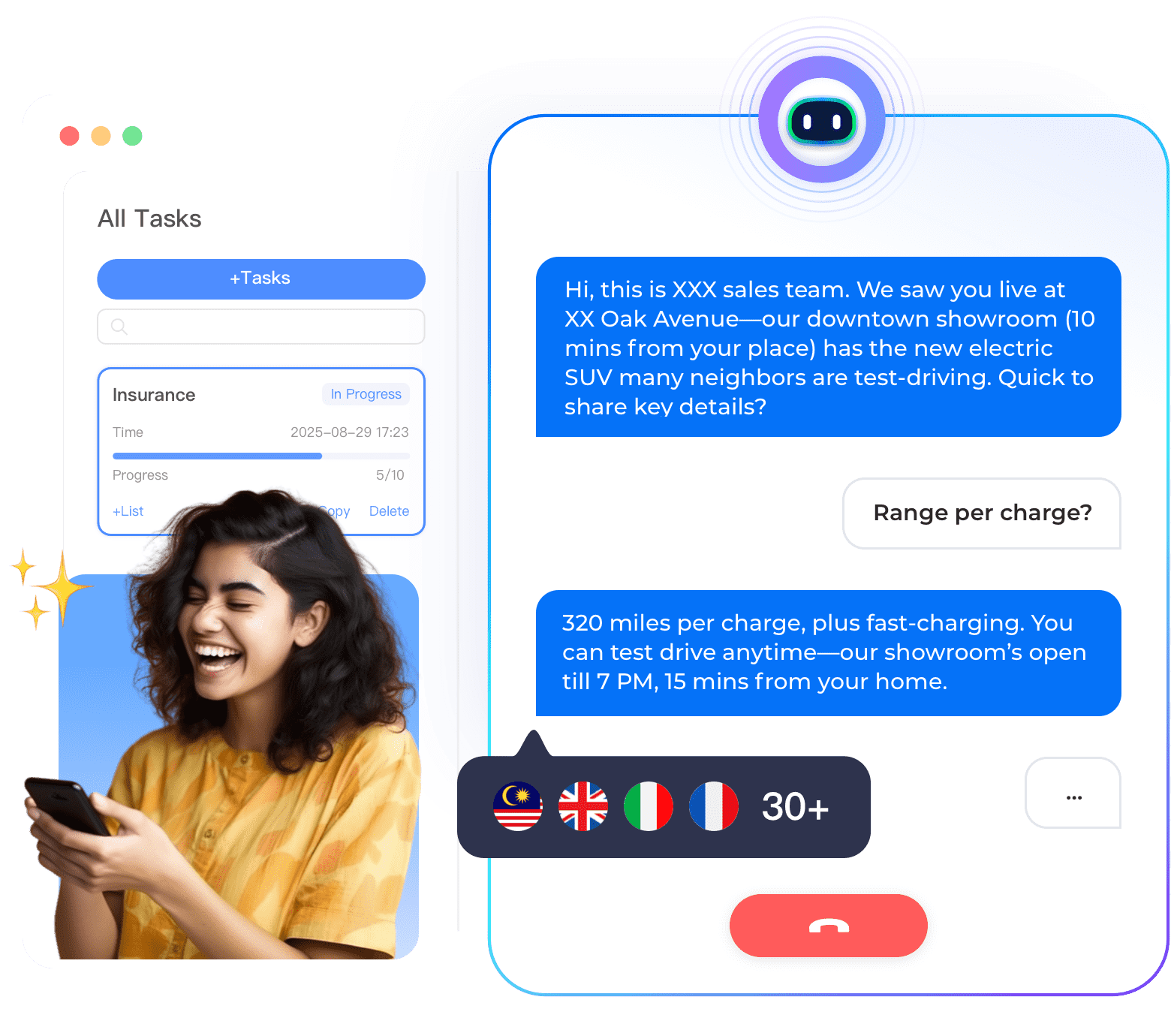
• Can the voice assistant handle multiple languages? Yes, Instadesk supports 30+ languages. You can set the primary language or use autodetection.
• How much does it cost after the free trial? Payasyougo per minute: 0.040.040.06 per minute (approx IDR 6501,000). No setup fee, no monthly minimum.
• Can I use the same number for multiple stores? Yes, you can build a menu that asks for the location first.
• Do I need to hire an AI expert? No, the visual builder and templates are designed for business users.
• What if the customer wants to speak to a human? The assistant can transfer the call to a store phone number or a mobile number.
Conclusion
Making an AI voice assistant for your supermarket is surprisingly simple with Instadesk’s nocode platform. The prebuilt supermarket template gets you live in under an hour, and payasyougo pricing makes it affordable for any size store. Start your free trial today and see how much time you can save.