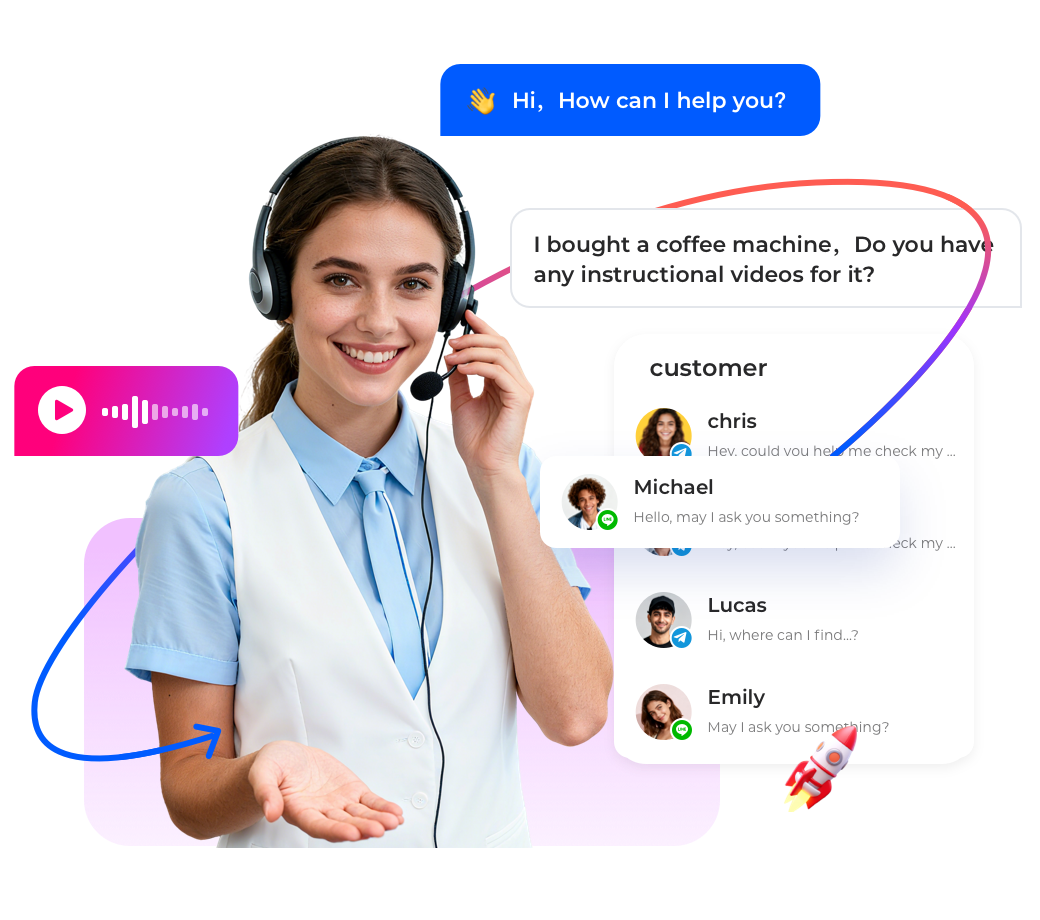

Educational institutions receive inquiries from prospective students about admissions,courses,financial aid,and campus life.While text chat is efficient for simple questions(e.g.,“What is the application deadline?”),complex discussions(e.g.,course selection,scholarship eligibility,study abroad advising)benefit from facetoface interaction.A video chat embedded live chat solution allows advisors to escalate from text chat to video call seamlessly,without the student needing to download new software or join a separate meeting.This article explains how video chat integration works,its benefits for schools and universities,and how Instadesk’s platform enables oneclick video escalation.
Why Schools Need Video Chat in Live Chat
International students often have detailed questions about visa processes,accommodation,and cultural adaptation.Text chat can be insufficient.Video chat builds trust and allows advisors to share screens(e.g.,showing course catalogs,campus maps).However,requiring students to install Zoom or Teams adds friction.Embedding video chat directly into the live chat widget eliminates that friction.Students click a button,and a browserbased video call starts instantly.
Key Features for Education Video Chat
•Oneclick escalation from text chat to video call within the same chat window.
•No download required for students(works in browser via WebRTC).
•Screen sharing for presentations,documents,and campus virtual tours.
•Recording and transcript for compliance and training.
•Integration with student information system to pull student data during the video call.
•Multiparty video(advisor+student+parent)for family discussions.
How Instadesk Delivers Video Chat Embedded Live Chat
Instadesk’s live chat platform includes WebRTCbased video calling.Advisors see a“Video Call”button in the chat interface.When clicked,the student receives a browserbased video call invitation via a unique link.No app installation is needed.Video calls can be recorded and transcripts saved to the student record.The platform also supports screen sharing and file sharing during the call.
Case Study:Singapore University Increases Enrollment Conversion by 20%
A Singapore university deployed Instadesk’s video chat embedded live chat for international student admissions.Advisors could quickly escalate to video to answer detailed questions about courses,accommodation,visa processes,and scholarship applications.The ability to share campus maps and course brochures during the video call significantly improved engagement.Enrollment conversion from initial inquiry increased by 20%.Student satisfaction with support rose from 72%to 89%.The university also reduced noshow rates for scheduled advising calls by 40%because students could join instantly without downloading software.
How to Implement Video Chat in Live Chat
•Choose a live chat platform with embedded video(Instadesk).
•Configure video call permissions(who can initiate,recording settings).
•Train advisors on when to escalate from text to video(e.g.,after 3 backandforth messages,or when the student asks a complex question).
•Monitor video call quality and usage via analytics.
Best Practices for Educational Institutions
•Use video for highvalue interactions(financial aid,course selection,international advising).
•Provide a brief guide for students(e.g.,“Allow camera and microphone permissions”).
•Record calls only with consent,and store securely.
Conclusion
For educational institutions,video chat embedded live chat improves student engagement,trust,and enrollment conversion.Instadesk offers a seamless,browserbased solution.Start with a free trial.