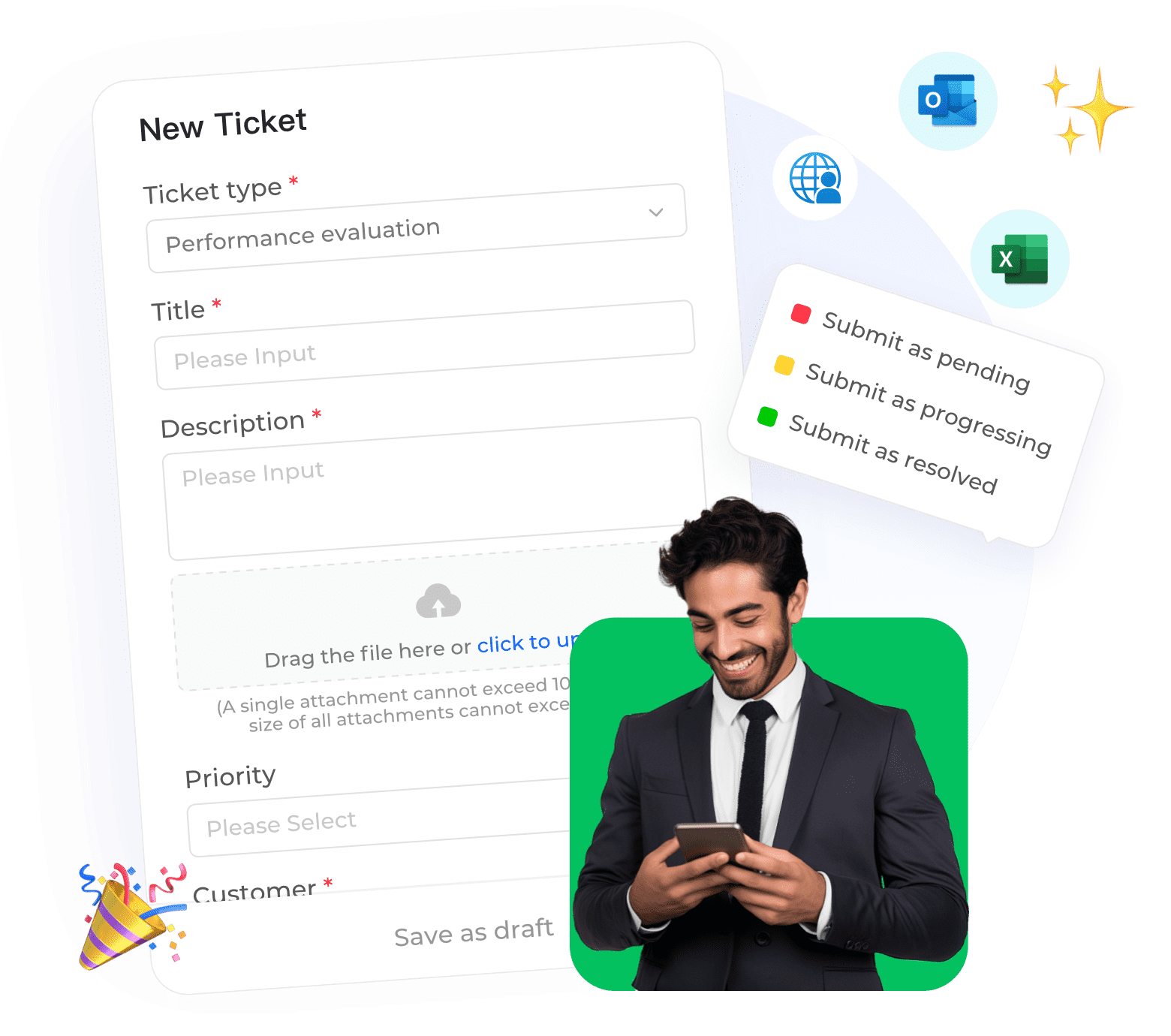
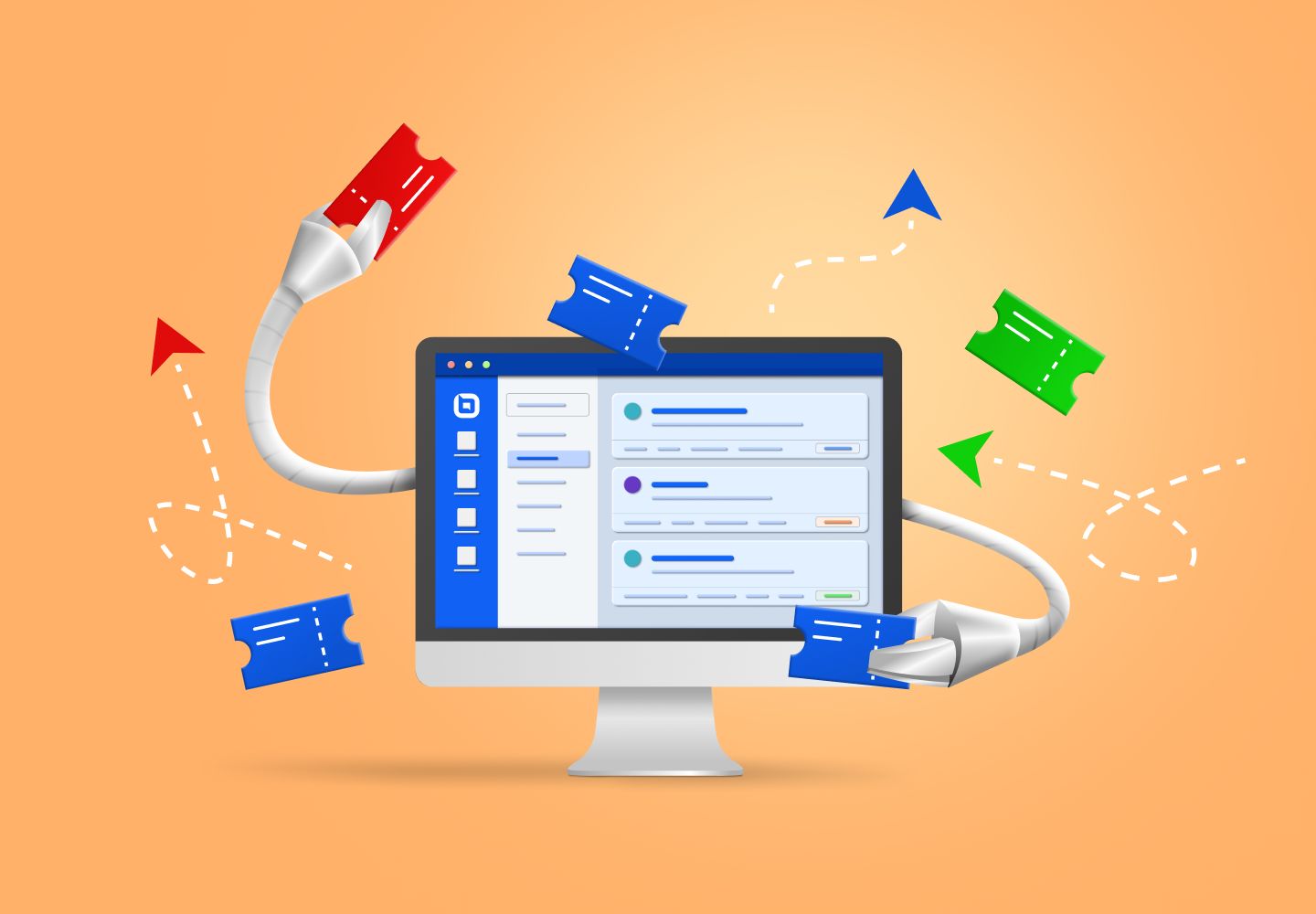
A support ticket and a maintenance work order look like different problems,but both run on the same broken pattern:someone has to read the request,figure out what it actually needs,decide who handles it,and track it until it's closed.Most teams still do that sorting by hand,one request at a time,while the queue behind it grows.This guide breaks down what AI actually automates in both systems,where the two categories overlap,and how to evaluate a platform without falling for a vendor's best-case demo number.
What an AI ticketing system actually does
A traditional ticketing system stores and tracks requests.An AI ticketing system reads the request the way a trained agent would—it works out intent,applies tags,checks urgency,and routes it,all before a human opens it.The ticket still exists as a record either way.The difference is how much thinking happens before a person gets involved.
The four levels of automation
It helps to think of AI ticketing as a ladder rather than one feature.eesel AI frames this well as four rungs:rule-based tagging at the bottom,AI classification above that,AI-drafted replies a human reviews and sends above that,and full autonomous resolution at the top,where the ticket closes with no human touching it at all.
Most teams buying "AI ticketing" today are really buying rung two or three.Full autonomous resolution still only works reliably for a narrow slice of ticket types—password resets,order status,simple billing questions—not the whole queue.
What is the difference between an AI ticketing system and a regular ticketing system?
A regular ticketing system is a filing cabinet: it stores the request and tracks its status,but a human decides everything else.An AI ticketing system adds a layer that reads the request first and makes some of those decisions on its own,or drafts them for a human to approve.

What actually gets automated: the five core decisions
Every ticket goes through the same five decisions,whether a human or an AI is making them.Knowing where AI actually helps at each step matters more than any feature list,because each one breaks in a specific way when it's done by hand.
1. Tagging
Inconsistent human tagging breaks every report built on top of it—if three agents tag the same billing complaint three different ways,nobody can trust the dashboard that counts billing complaints.AI tagging matters most as a foundation,not a nice-to-have,because everything downstream(routing,prioritization,reporting)depends on the tag being right in the first place.
2. Routing
Keyword-based rules break the moment your product or team structure grows past a handful of categories,because a rule can only catch the exact phrasing someone wrote it for.A customer who writes"my package never showed up"and one who writes"where's my order"mean the same thing,but a keyword rule might only catch one of them.AI routing reads intent instead of matching keywords,which is why it holds up as ticket volume and phrasing variety grow.
3. Prioritization
A first-in-first-out queue treats a production outage the same as a password reset,just because they arrived in that order.That's the cause of a specific,common failure:an urgent ticket sits behind twenty routine ones simply because it landed at the wrong time.Urgency scoring based on sentiment and business impact fixes this by surfacing the ticket that actually needs attention first,regardless of when it came in.
4. Escalation
Manual escalation depends on a human noticing a problem before it blows up,which means it only works when someone happens to be watching that specific conversation.Automated sentiment tracking catches deteriorating conversations before the customer escalates on their own—the system flags a tone shift,not just a magic keyword like "manager" or "refund."
5. Resolution
This is the step most vendors skip when they talk about "AI ticketing."Classification and routing don't reduce ticket volume.Only actual resolution does—answering the question,issuing the refund,updating the record.A system that tags and routes perfectly but still hands every ticket to a human for the actual fix hasn't reduced anyone's workload;it's just organized the queue better.
What a work order management system does differently
A work order starts the same way a ticket does—someone reports a problem—but it ends differently.A support ticket closes when the customer's question is answered.A work order closes when a physical task,like a repair or an inspection,actually gets done.
How AI work order systems capture the request
The request can come from a mobile app,a QR code scan on a piece of equipment,an IoT sensor ,or a tenant portal.Whatever the source,the system standardizes it into a structured record:asset ID,location,and a severity or symptom category.That structure is what makes the work order routable to the right technician,the same way a tag makes a support ticket routable to the right team.
Why predictive maintenance changes the model
Because sensor data can flag a failure pattern before equipment actually breaks—a rising vibration reading,a temperature drift outside normal range—some systems generate the work order automatically,before anyone reports a problem at all.That flips the usual cause-and-effect order.Instead of a breakdown causing a work order,the sensor data causes a work order that prevents the breakdown.
What's the difference between a ticketing system and a work order management system?
A ticketing system tracks a request until an answer is given.A work order management system tracks a request until a physical task,like a repair,gets completed.The intake and triage logic behind both looks nearly identical,which is why the same AI classification approach applies to each.
•Add AI to the tool you already use,or switch platforms entirely?
Because ripping out an existing helpdesk means retraining every agent and migrating years of ticket history,that migration cost often gets hidden inside what looks like an"automation"purchase.If your current system mostly works,an AI layer that plugs into it is usually the cheaper,faster path.If your current system is genuinely broken,no AI layer fixes that underneath it.
•Signs you need a new platform,not just an AI layer
Watch for these:no API access for an AI tool to connect through,no real reporting beyond a basic ticket count,or agents who've already built workarounds outside the tool because it doesn't do what they need.Any one of these means the problem is the platform itself,not the missing AI layer on top of it.
•Can an AI ticketing system work with the helpdesk I already have?
Yes,in most cases.An AI layer connects to platforms like Zendesk,Freshdesk,or Jira Service Management and works inside them,so nothing has to migrate.Switching platforms entirely only makes sense if your current system is broken in ways automation can't fix,like missing API access or no real reporting.
If your team is already running ticketing through a workflow builder,Instadesk's no-code automation tools can plug into that setup directly—handling things like auto-approving qualifying refunds or sending tracking updates—without forcing a full platform switch.
How to evaluate an AI ticketing or work order platform
1. Ask what it can read
Some systems only read help center articles.Others can read your actual solved-ticket history too.Answer quality is capped by what the system can retrieve from,so a platform that can only see your help center will miss every nuance your agents have already worked out through real conversations.
2. Ask what counts as a "resolution" in the pricing
Vendors define this differently,and the definition changes what the quoted accuracy number actually means.A"resolution"might mean the customer didn't reply again within 24 hours,or it might mean an agent explicitly marked the ticket solved.Ask which one you're being billed for before comparing prices across vendors.
3. Ask for a dry run on your own historical tickets
A demo with sample questions the vendor picked will always look good.A measured accuracy number on your own past tickets,run before you sign anything,tells you what the system will actually do with your real customers and your real edge cases.
4. Check whether it can act in other systems
Some tools only classify and route.Others can look up an order status or issue a refund directly.That distinction determines whether the system reduces workload or just reorganizes it—and it's worth checking Instadesk's own dashboard reporting as an example of the visibility you should expect from any platform you're evaluating.
How to roll this out without breaking your queue
1. Start with the three to five highest-volume ticket types
Password resets,order status,billing FAQs—pick the categories with the most volume and the least ambiguity,and prove accuracy there first.Expanding into ambiguous,low-volume ticket types before you've validated the basics is how rollouts stall.
2. Keep a confidence threshold,not just an escalation rule
The system should stay quiet when it's unsure,not guess and hope.A confidence threshold means low-certainty tickets go to a human by default,instead of getting a wrong answer sent out just because the system technically produced one.
3. A real failure worth knowing
Eesel AI published an account of a support bot that confidently told customers "yes,we support your car model" for brands that weren't actually in its database,because the source help center article said "we support all models" in general marketing language.The model wasn't wrong about what the article said.The article was the problem.This is exactly why a dry run on real historical tickets matters more than a clean demo—it surfaces the source-content gaps a sales pitch never will.
4. Review corrections weekly
Every manual fix an agent makes is a training signal.Teams that skip this step watch accuracy decay within a quarter,because the system keeps repeating the same mistake nobody told it was wrong.
Frequently asked questions
•How accurate is AI at classifying support tickets?
Mature AI classification systems reach 85-95% triage accuracy on trained deployments,compared to a 40-50% ceiling for rules-based systems,according to IrisAgent's production data.That gap is the reason most support teams are moving off keyword-rule automation—not because rules are useless,but because they can't adapt to phrasing they weren't explicitly told to expect.
•How much does an AI ticketing system cost?
Pricing runs on two separate meters:a seat price,roughly $14 to $115 per agent per month across major platforms,and an AI usage fee billed per resolution,per ticket,or per session.Always ask what triggers that second charge,since a $0.40-per-ticket model and a $2.00-per-resolution model produce very different bills at the same ticket volume.
•Will AI ticketing replace human support agents?
No.The realistic job for AI is the repetitive tier-1 slice—password resets,order status checks,billing FAQs—not the full queue.Teams that automate this well usually redeploy their Tier-1 leads to quality review and escalation handling instead of cutting the role,because that's the work that still needs human judgment.
•Can an AI ticketing system work with the helpdesk I already have?
Yes,in most cases.An AI layer connects to platforms like Zendesk,Freshdesk,or Jira Service Management and works inside them,so nothing has to migrate.Switching platforms entirely only makes sense if your current system is broken in ways automation can't fix.
•What's the difference between a ticketing system and a work order management system?
A ticketing system tracks a request until an answer is given.A work order management system tracks a request until a physical task,like a repair,gets completed.The intake and triage logic behind both looks nearly identical,which is why the same AI classification approach applies to each.