
A customer emails about a delayed order,gets no response for two days,then messages the same complaint on live chat,then calls in frustrated and has to explain the whole thing a third time to an agent who has no idea any of it happened before.That's not a support problem,it's a data problem:three channels,three disconnected records,zero shared context.This guide breaks down what an omnichannel platform actually fixes,the difference between omnichannel and the multichannel setup most companies think they already have,and how to evaluate a platform without buying features you'll never use.
Multichannel vs. omnichannel: the distinction that actually matters
Multichannel means a company offers support on email,chat,and phone,but each channel runs as its own separate system.Omnichannel means those channels are connected,so an agent on any one of them can see what happened on the others.The difference isn't how many channels a company offers,it's whether those channels share the same record of the customer.
Most companies that think they've "gone omnichannel" have actually just added more channels.They have a chat widget,an email inbox,and a phone line,and each one lives in its own tool with its own history.That's multichannel with extra steps.
Why this distinction causes real damage
Because a multichannel setup makes a customer repeat their issue every time they switch channels,the frustration compounds with each handoff.The customer isn't just annoyed about the original problem anymore;they're annoyed about having to explain it three times.This is frequently the actual reason a "channel coverage" purchase doesn't improve satisfaction scores the way a company expected—adding channels without connecting them just gives the customer more places to repeat themselves.
What's the difference between multichannel and omnichannel customer service?
Multichannel offers multiple separate channels that don't share data with each other.Omnichannel connects those channels into one shared conversation record,so an agent on any channel can see what happened on the others.Adding channels without connecting them is multichannel,not omnichannel,no matter how many the company offers.
What an omnichannel platform actually does
●Unifies the conversation record
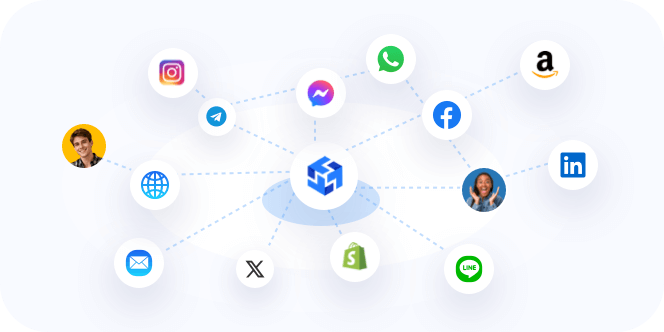
Every channel writes to the same customer timeline,so a chat message and a follow-up email about the same issue show up as one connected thread,not two unrelated tickets.An agent opening a new conversation sees everything that came before it,on any channel,without having to ask the customer or dig through a separate system.
●Routes based on real-time context
A platform that knows an agent already handled this customer's last three tickets can route the next one back to that same agent automatically.Continuity improves without anyone manually deciding to route it that way,which matters because manual routing decisions don't scale once ticket volume grows past what one person can track in their head.
●Prevents duplicate replies
Collision detection flags when two agents are working the same conversation at once.This sounds minor until team size grows past a handful of people,at which point the odds of two agents replying to the same customer within minutes of each other,with contradictory answers,go up fast.
The 4 C's of omnichannel: consistency,convenience,context,communication
Front,one of the stronger platforms in this space,frames omnichannel around four principles worth using as an evaluation lens rather than a definition to memorize.Consistency means the same tone and answer quality regardless of which channel a customer picks.Convenience means letting the customer choose the channel instead of forcing one on them.Context means never making a customer repeat an explanation they already gave.Communication means visibility across support teams,not just across channels.
●What are the 4 C's of omnichannel customer service?
Consistency,convenience,context,and communication,a framework used by Front to describe what a genuinely connected support experience looks like.Consistency and context are usually the two that reveal whether a platform is actually omnichannel or just multichannel with more channels bolted on.
What features actually matter,and why
●A shared inbox across every channel
Without a shared inbox,an agent physically cannot see what happened on a different channel.This is the root cause of every"I already told your other agent this"complaint,and no amount of training fixes it if the underlying tool keeps channels separated.
●Automated routing and workflows
Manual ticket assignment doesn't scale past a small team.Routing rules that account for skill,workload,and channel prevent the bottleneck that shows up first when volume grows,usually as a pile of unassigned tickets sitting untouched while one agent gets overloaded and another sits idle.
●A knowledge base connected to the inbox
An agent who has to leave the conversation window to search documentation in a separate tab loses time on every single ticket.A knowledge base connected directly to the inbox cuts handle time in a concrete,measurable way,not just"improves efficiency"as a vague abstraction.
●CRM and system integration
Without visibility into order history,billing status,or account data inside the same screen,agents either guess or make the customer wait while they check another system.Neither option is good,and both are avoidable with the right integration.
Can omnichannel support handle WhatsApp and social messaging, not just email and chat?
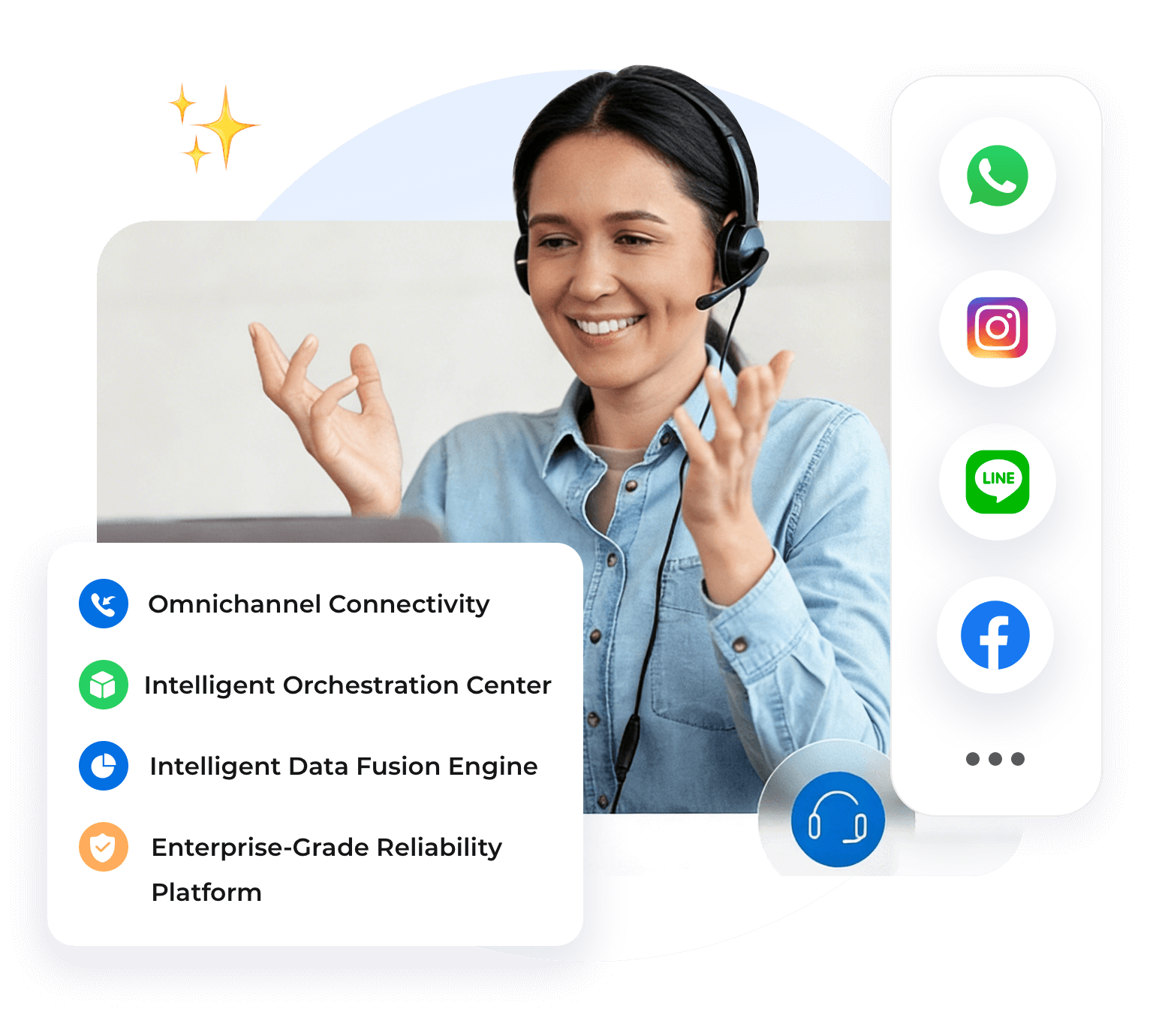
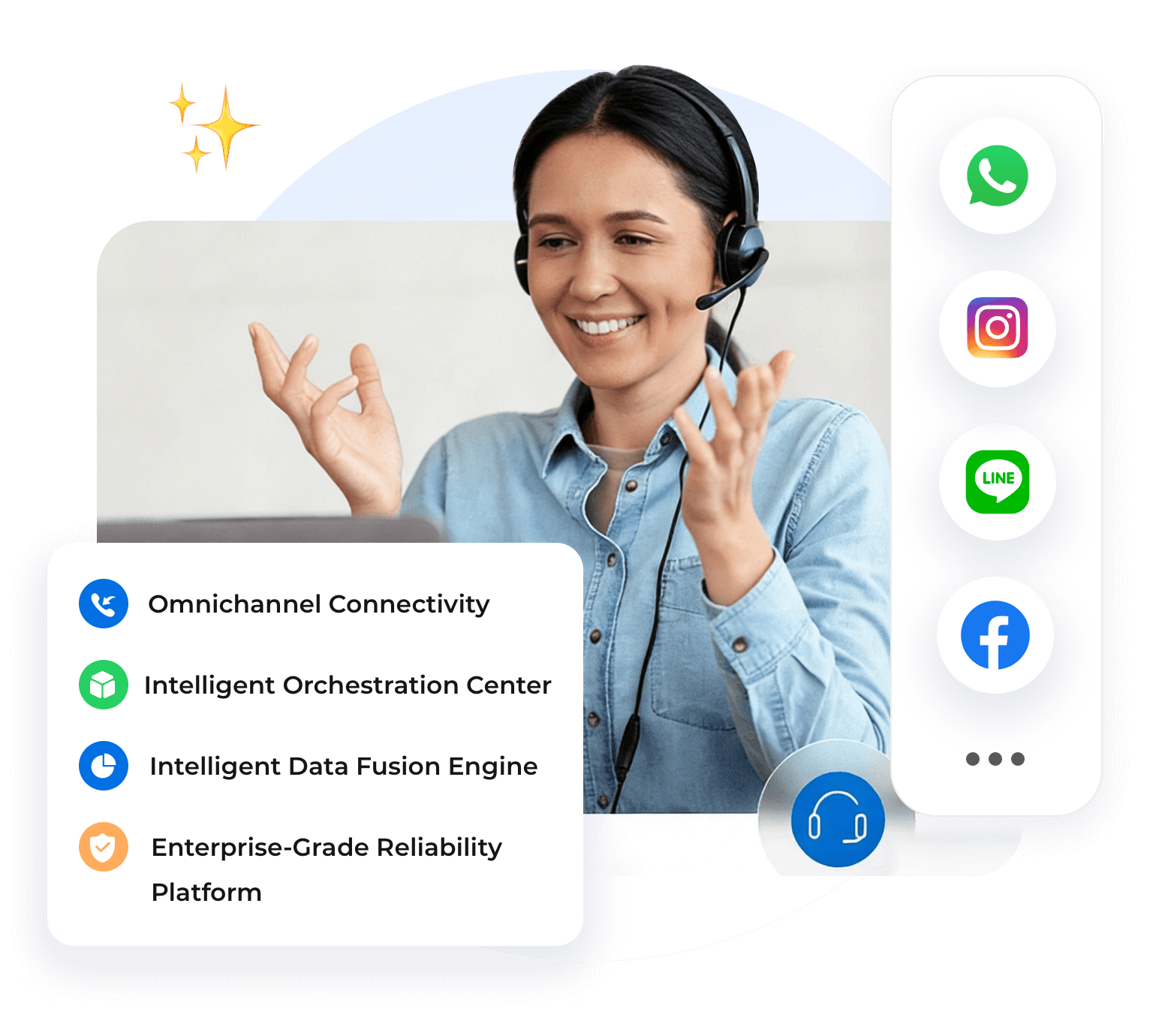
Yes,on platforms built for messaging-first coverage.WhatsApp,Instagram,and Facebook Messenger get treated the same way email and chat are,feeding into the same unified inbox and customer timeline.This matters specifically for markets where WhatsApp is the primary channel customers actually use to reach a business,not a secondary,occasionally-checked inbox.
AI that speeds up agents without replacing judgment
The useful version of AI in this context drafts replies and summarizes long threads so an agent doesn't have to re-read a whole conversation history before responding.The version to watch out for is anything that removes a human from decisions that actually need judgment,like a refund exception or an angry customer who needs to be handled carefully rather than processed quickly.
●How to migrate without losing your existing customer history
Switching platforms without a plan for historical ticket data means agents lose access to exactly the context an omnichannel platform is supposed to provide in the first place,which defeats the purpose before day one.
Export and map your existing conversation history before cutover,not after
A platform that can import prior tickets from your current tools preserves the customer timeline instead of starting it from zero.Doing this mapping work after the switch,once agents are already relying on the new system,is far more disruptive than doing it beforehand.
Run a pilot on one channel before switching everything at once
Moving one channel first,say email,while keeping chat and phone on the old system temporarily,surfaces integration gaps while the blast radius of a mistake is still small.Switching every channel simultaneously means any problem shows up across your entire support operation at once,not just in one contained area.
●How do I migrate to an omnichannel platform without losing existing customer data?
Export and map your historical tickets before switching,and the new platform can import that history rather than starting every customer's record from zero.Running a pilot on one channel first also catches integration gaps before they affect your whole team.
●Does this work for a small team,or only enterprise support orgs?
No,it scales down.A five-person support team dealing with email,chat,and a growing WhatsApp inbox has the exact same context-loss problem as a 200-agent enterprise floor,just at a smaller scale.The platforms and pricing differ by team size,but the underlying problem,and the reason to fix it,doesn't change.
●Does omnichannel support work for small businesses,or only enterprise teams?
It works for teams of any size,because the underlying problem,a customer repeating themselves across channels,doesn't care how big the support team is.Smaller teams typically start with lighter,per-seat tools rather than enterprise suites built for hundreds of agents.
Instadesk's own omnichannel platform covers more than 20 channels and 100+ languages,built to scale from a small cross-border team just getting started to a much larger operation later,without forcing a re-platforming project in between.
How to evaluate a platform for your specific situation
●If your team is messaging-heavy
Prioritize a platform built messaging-first,since a ticket-first tool retrofitted for chat often handles it clumsily,with clunky threading or delayed notifications that make fast-moving conversations feel slow.
●If you're already deep in a CRM ecosystem
A CRM-native option avoids duplicating customer records across two separate systems,which is where data drift and inconsistent customer histories usually start.
●If you operate across languages and time zones
Multilingual handling and follow-the-sun routing matter more than any single feature checkbox.This is where a platform's actual language coverage,not just an interface translation layer,determines whether support genuinely works across regions or just looks like it does in a demo.Instadesk's multilingual support capabilities cover real-time translation across conversations,which is a different,more reliable thing than translating just the menus and buttons.
Frequently asked questions
1. How much does an omnichannel customer service platform cost?
Pricing across the market runs from roughly $9 per seat per month for CRM-native entry tiers up to$150 or more per seat per month for full enterprise plans.The right comparison isn't the sticker price alone,it's price against the specific channels and automation your team actually needs.
2. Does omnichannel support work for small businesses,or only enterprise teams?
It works for teams of any size,because the underlying problem doesn't care how big the support team is.Smaller teams typically start with lighter,per-seat tools rather than enterprise suites built for hundreds of agents.
3. What's the difference between multichannel and omnichannel customer service?
Multichannel means offering support on multiple separate channels that don't share data.Omnichannel means those channels are connected into one shared conversation record,so an agent on any channel can see what happened on the others.
4. Can omnichannel support handle WhatsApp and social messaging,not just email and chat?
Yes,platforms built for messaging-first coverage handle WhatsApp,Instagram,and Facebook Messenger the same way they handle email and chat,feeding them into the same unified inbox and customer timeline.
5. How do I migrate to an omnichannel platform without losing existing customer data?
Export and map your historical tickets before switching,and the new platform can import that history rather than starting every customer's record from zero.Running a pilot on one channel first also catches integration gaps before they affect your whole team.