Set Up a Ticketing System in 5 Steps for Max Efficiency

Set Up a Ticketing System in 5 Steps for Max Efficiency

2026-03-11 10:49:02 Readership 373

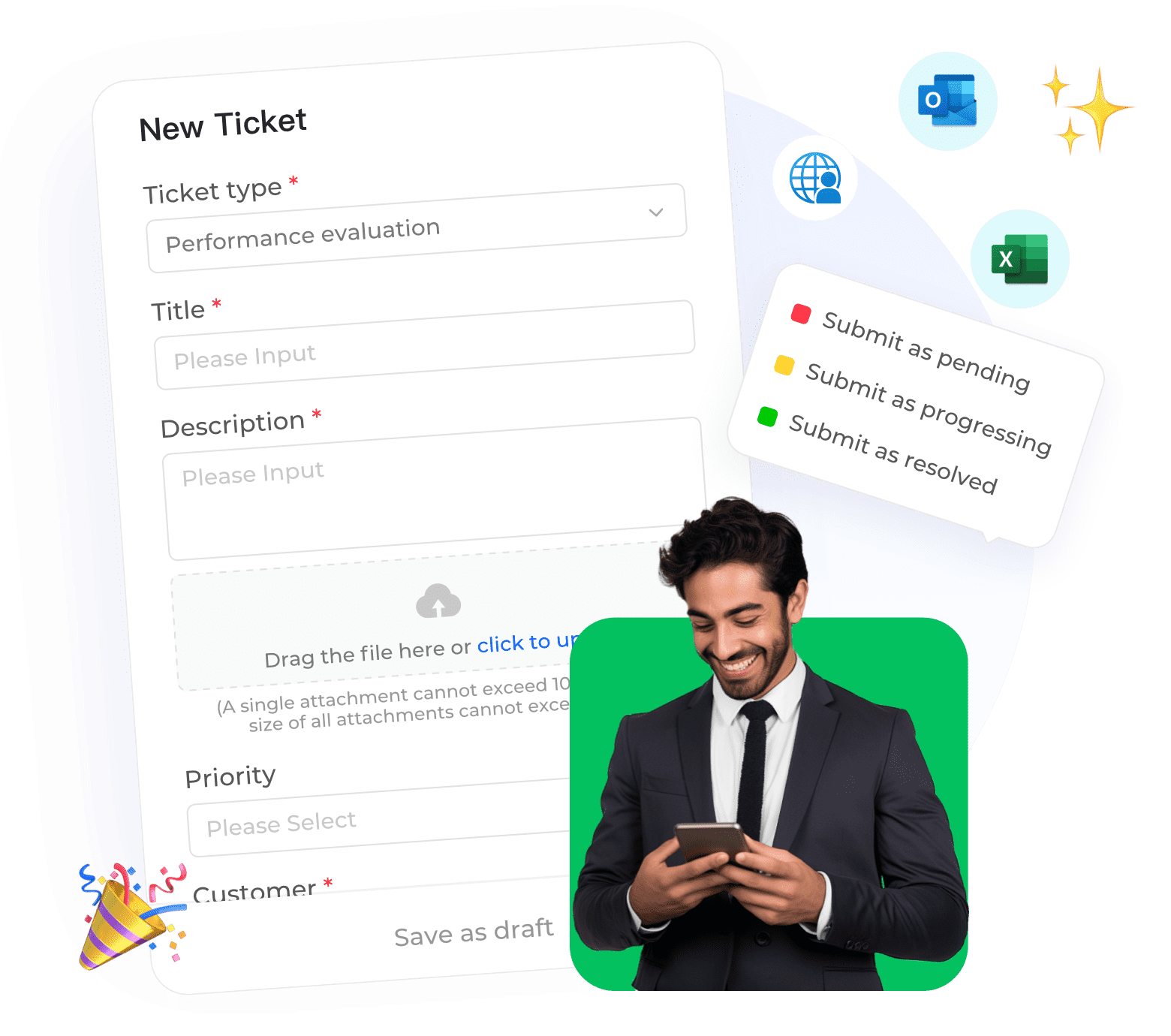
For internet companies—from SaaS startups to e-commerce giants—customer support can make or break the business. A chaotic email inbox leads to lost messages, delayed responses, and frustrated users. A well-configured ticketing system transforms support into a streamlined, accountable process. Follow this step-by-step guide using Instadesk Ticket System.

Step 1: Define Ticket Categories and Priorities


Start by mapping your common support requests. Examples:

• Billing issues
• Technical bugs
• Feature requests

Account management

Assign priority levels (e.g., Urgent, High, Medium, Low) based on impact. This classification will drive automation later.
Step 2: Configure Automated Routing and Assignment

Set up rules to automatically assign tickets to the right team or agent. With Instadesk, you can use:

• Round-robin for load balancing.
• Skill-based routing (e.g., billing tickets go to finance team).
• AI-powered routing that learns from past assignments.

Ensure nothing falls through the cracks with mandatory assignment.
Step 3: Integrate All Communication Channels

Your ticketing system should capture inquiries from every channel:

•  Email (support@yourcompany.com)
• Live chat transcripts
• Social media DMs (Twitter, Facebook)
• Contact forms on your website

Instadesk Ticket System provides omnichannel integration, so all conversations become tickets automatically, with full context preserved.
Step 4: Set SLAs and Escalation Rules

Define Service Level Agreements (SLAs) for each priority:

•   Urgent: Respond within 1 hour, resolve within 4 hours.
•   High: Respond within 4 hours, resolve within 24 hours.
•  Medium: Respond within 24 hours, resolve within 3 days.
Configure escalations: if a ticket breaches its SLA, notify managers or reassign automatically.
Step 5: Analyze, Iterate, and Optimize

Use analytics to spot bottlenecks:


•   Which categories take longest?
•  Are some agents overloaded?
•  What are common customer frustrations?
Instadesk’s reporting dashboards offer insights into response times, resolution rates, and customer satisfaction. Regularly review and tweak your workflows.
Case Study: Internet Firm Cuts Ticket Resolution Time by 30%

A fast-growing internet company with 200,000+ users was struggling with an overflowing shared inbox. After implementing Instadesk Ticket System with automated routing and SLAs:


•  Average first response time dropped from 12 hours to 2 hours.
•  Resolution time decreased by 30%.
•  Customer satisfaction rose by 25%.
The support team could finally focus on solving problems instead of sorting emails.
Conclusion
An efficient ticketing system is the backbone of excellent customer support. By following these steps with Instadesk, you’ll ensure every customer query is tracked, prioritized, and resolved quickly. Start optimizing your support today.

Share This Article

Table of Contents

Instadesk

Instadesk official

Instadesk’s official account, all news and updates of Instadesk are published here.
Explore how we can help you achieve customer success
Get started free

You may also like

What is Customer Effort Score: The Metric That Helps Predicts Loyalty

Most support teams obsess over CSAT. Customers say they're satisfied, but then they churn anyway. That disconnect happens because satisfaction doesn't tell the whole story. A customer can be satisfied with a single interaction while still being exhausted by the overall experience. Customer Effort Score (CES) asks different question: "How much effort did you personally have to put forth to handle your request?" Gartner's research shows that delighting customers doesn't make them loyal — reducing effort does. Customers who put in high effort are 94 percent more likely to churn than those who experience low effort. On a 1-to-5 scale, each point of effort reduction directly improves repurchase rates. CES measures exactly that — how easy or difficult it was for customers to get what they needed from you.

2026-06-01 17:58:07

Customer Profile Guide: Build Smarter Profiles with AI Tools

When we talk about customer profiles, we often think of static documents. A PDF with some demographic data. A few buyer personas. Maybe a checklist of common complaints. Then we file it away and move on. But that misses the bigger picture. A customer profile’s real value isn’t in the document itself. It’s in how that document drives better decisions across your team. When sales, service, and marketing share the same understanding of a customer, everyone works faster and more consistently. The profile becomes an action trigger, not just a storage file.

2026-06-01 17:36:38

How Instadesk Ticket System Transforms Citizen Services in the Government

Government and public agencies face unique challenges:managing high-volume citizen inquiries across channels,ensuring strict SLA compliance,enabling secure cross‑department collaboration,and maintaining full auditability—all while delivering responsive,transparent services to the public.Legacy systems rely on manual routing,scattered records,and delayed follow‑ups,leading to frustration,bottlenecks,and inconsistent outcomes.Instadesk Ticket System delivers an AI‑powered,omnichannel solution built for the public sector,turning fragmented requests into structured,trackable,and accountable workflows that elevate transparency,efficiency,and citizen trust.

2026-06-01 15:01:32
Elevate Your Customer Experience. See How Instadesk Can Help.

Get Started in Minutes. Experience the Difference.

Get started free
Experience the AI-Powered CX Transformation Now
Free Trial

WhatsApp Us Now !

Book a Demo
Please Select
  • VoiceBot Outbound Call
  • VoiceBot Inbound Call
  • ChatBot
  • Quality Inspection
  • Intelligent Training
  • Agent Assistant
  • Smart Badge
  • Intelligent Contact Foundation
  • Call Center
  • Live Chat
  • Video Agent
  • Ticket System

By submitting, you agree to our Privacy Policy

Submit