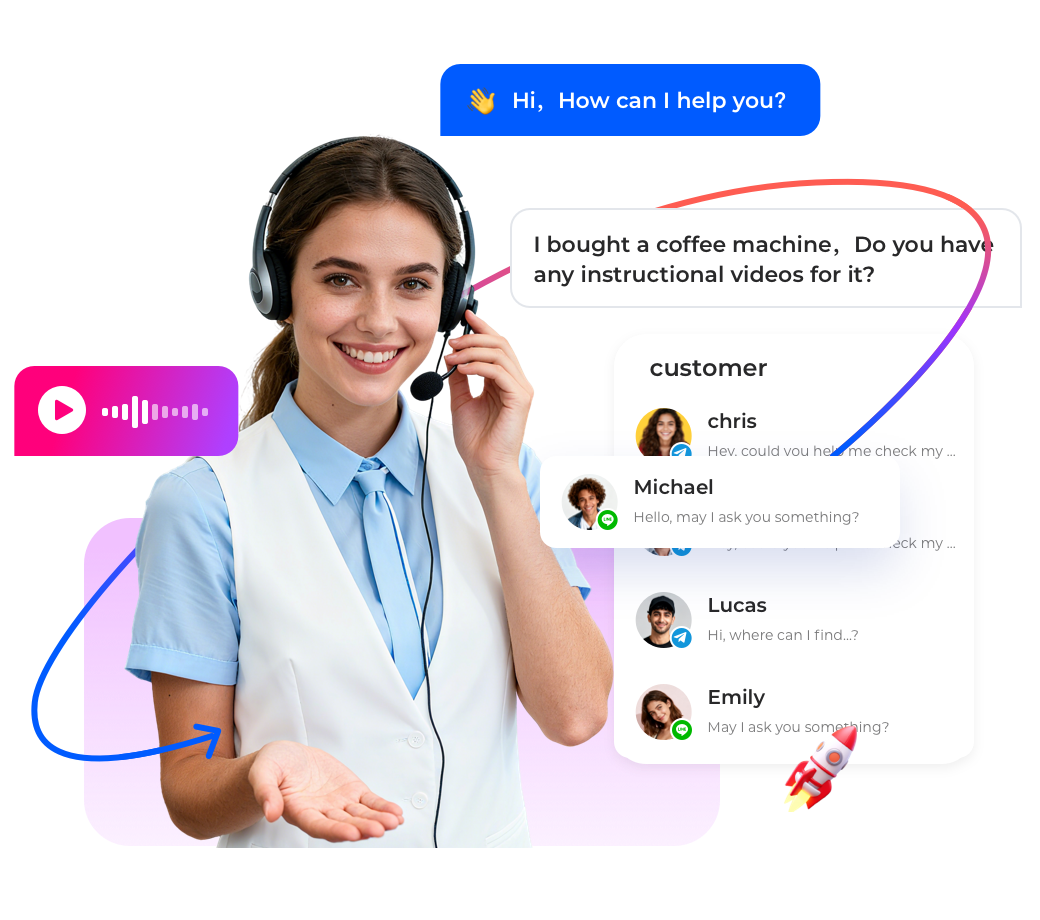

Small and medium enterprises(SMEs)in Singapore need live chat to provide fast customer support but lack technical resources.Low code live chat platforms allow you to deploy a fully functional chat widget on your website in under an hour—with no coding required.This step-by-step guide walks you through the process using Instadesk's visual builder.By the end of this guide,you will have a live chat system that integrates with your CRM and automates common questions.
Why Low Code Matters for Singapore SMEs
Traditional live chat deployment requires developers to embed code,integrate APIs,and build custom logic.Low code platforms provide drag-and-drop builders,pre-built templates,and one-click integrations.Benefits include deployment in hours instead of weeks,no developer costs,easy updates by non-technical staff,and pay-as-you-go pricing.
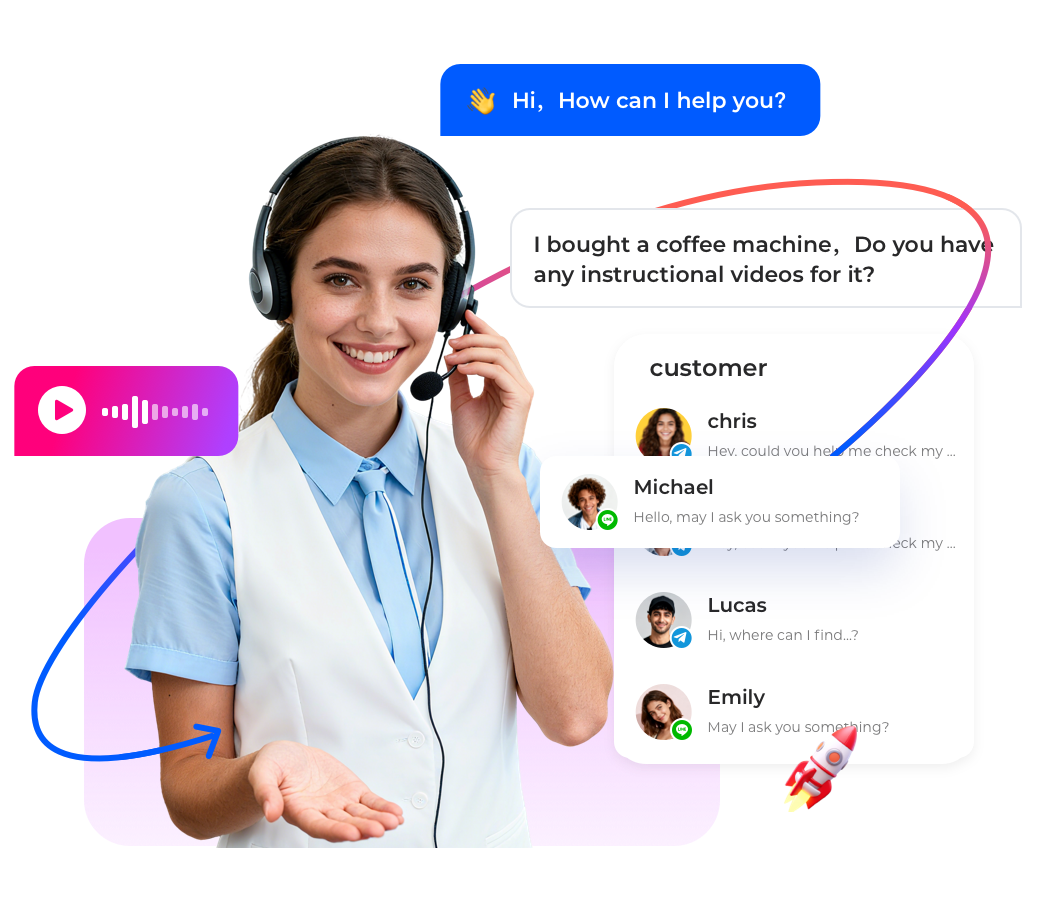
Step-by-Step Deployment Guide
Step 1: Sign up for a low code live chat platform.Create a free trial account on Instadesk.No credit card required.You will have access to the visual conversation builder immediately.
Step 2: Choose a pre-built template.Select the"E-commerce"or"General Support"template.This gives you pre-configured conversation flows for common questions like"store hours,""order status,"and"contact us."All flows are customizable.
Step 3: Customize the chat widget appearance.Use the widget designer to match your brand colors,logo,and welcome message.You can also set the chat button position(bottom right is standard).No CSS or HTML needed.
Step 4: Add your FAQs and answers.In the visual builder,edit the pre-built flows.Type in your store hours,return policy,shipping information.The chatbot will use these answers automatically.You can add new questions and answers by dragging new nodes.
Step 5: Integrate with your CRM(optional but recommended).Connect your Salesforce,HubSpot,or Zoho account with one click.This allows the chat widget to display customer history and log conversations automatically.
Step 6: Install the chat widget on your website.Copy a single line of JavaScript code from the Instadesk dashboard.Paste it into your website's<head>section.For Shopify,WooCommerce,or Wix,use the pre-built plugin from the app store—no coding required.
Step 7: Test and go live.Open your website and start a chat.Verify that the chatbot responds correctly.Test escalation to a human agent by typing"talk to a human."Once satisfied,you are live.
Optimization Tips for Singapore SMEs
· Use Singapore-specific phrases like"SingPost delivery"or"PayNow payment."
· Set up after-hours auto-reply:"Our office is closed.We will respond tomorrow."
· Monitor analytics weekly:response time,satisfaction rating,top questions.
Case Study: Singapore E-Commerce SME Deploys Live Chat in 2 Hours
A Singapore online bakery used Instadesk's low code platform.The owner,with no technical background,deployed a live chat widget in 2 hours.The chatbot answered FAQs about delivery areas,order cutoff times,and payment methods.Customer satisfaction increased by 40%,and the bakery saved 10 hours of staff time weekly.

Conclusion
Low code live chat deployment allows Singapore SMEs to provide professional customer support without developers.Follow this guide to get started.Instadesk offers a free trial—no credit card required.