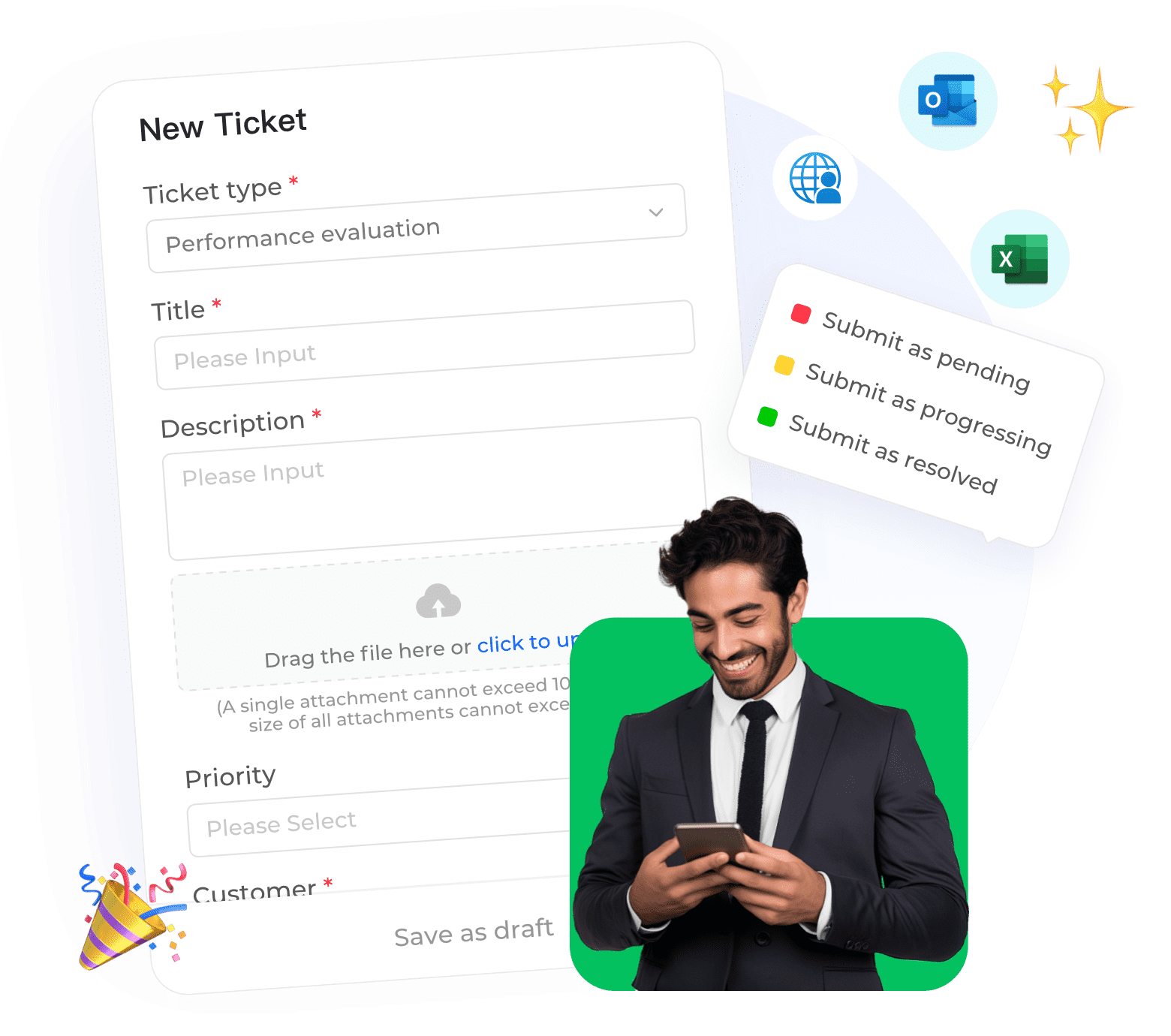
Telecom operators manage millions of after-sales service requests annually—installation appointments, technical support visits, equipment replacements, service cancellations, and billing adjustments. Without a structured system, these requests get lost, customers face long wait times, and overall service quality deteriorates. A dedicated ticket system for after-sales service management ensures every request is tracked, routed, and resolved efficiently.

What is a ticket system for after-sales service management?
A ticket system for after-sales service is software that captures, organizes, and manages customer requests related to post-purchase support. Each request becomes a "ticket" that contains all relevant information—customer details, service type, issue description, appointment history, technician notes, and real-time status—enabling service teams to track progress seamlessly and ensure no request falls through the cracks.
Why telecom after-sales service needs a dedicated system
Telecom after-sales service involves complex, multi-step workflows that differ significantly from standard customer support:
• Installation requests:
New service installation requires scheduling, technician dispatch, equipment provisioning, and completion ation, with cross-team coordination at every stage.
• Repair tickets:
Equipment failures demand troubleshooting, parts ordering, technician assignment, and follow-up checks; delays at any step severely harm customer experience.
• Service cancellations:
Cancellations involve account verification, equipment return coordination, billing adjustments, and proactive customer retention efforts.
• Equipment swaps:
Device replacements require inventory checks, shipping logistics coordination, and seamless activation workflows.
• Billing disputes:
Post-purchase billing issues demand cross-system investigations and often involve processing service credits for resolution.
Key capabilities of an effective after-sales ticket system
Capability |
Why It Matters |
|
Multi-stage workflow management
|
After-sales requests involve sequential steps—dispatch, arrival, completion, follow-up—and the system must track each phase to avoid bottlenecks.
|
|
Scheduling and dispatch integration
|
Technicians are assigned based on skill, location, and availability; manual scheduling is inefficient and prone to human error.
|
|
SLA monitoring
|
Service level agreements (e.g., next-day installation) require strict tracking, with automatic escalations for at-risk targets.
|
|
Field service connectivity
|
Technicians need mobile access to ticket details, customer data, and real-time status updates to operate efficiently.
|
|
Customer visibility
|
Self-service portals let customers track technician arrival and request status, directly boosting satisfaction rates.
|
|
Inventory integration
|
Pre-dispatch equipment availability checks eliminate wasted technician visits and unnecessary delays.
|
How to implement an after-sales ticket system effectively
• Map your service workflows: Document end-to-end processes for installation, repair, cancellation, and equipment swaps, identifying cross-team and cross-system handoffs.
• Define service types and priorities: Configure tailored ticket types with unique fields, workflows, and SLAs; emergency outages require faster handling than routine installations.
• Set SLAs based on business impact: Establish dispatch, arrival, and completion targets per service type, with faster response windows for high-value business customers.
• Integrate with existing systems: Connect to CRM for customer data, inventory tools for equipment availability, and field service management for technician scheduling.
• Enable technician mobile access: Equip field teams to view tickets, navigate locations, update statuses, and capture customer signatures via mobile devices.
• Provide customer self-service: Let customers schedule, reschedule appointments, track technicians, and view service history through an online portal.
How Instadesk Ticket System supports telecom after-sales service
Instadesk's ticketing platform is built to handle the unique complexity of telecom service management:
• Customizable service types:
Create dedicated tickets for installation, repair, cancellation, and swaps with custom fields, workflows, and SLA targets.
• Smart routing and dispatch:
Automate ticket assignment based on service type, geography, technician skills, and real-time availability to cut manual coordination.
• SLA management with escalation:
Monitor dispatch, arrival, and completion metrics, with automatic s for missed or at-risk SLA targets.
• Field service mobile app:
Technicians access tickets, update statuses, capture signatures, and communicate with dispatchers directly from mobile devices.
• Customer portal:
Customers check ticket status, track technician location, reschedule appointments, and message service teams effortlessly.
• Performance analytics:
Interactive dashboards track technician productivity, on-time rates, average resolution time, and recurring service issues.
Case study: Telecom provider improves on-time installation rate by 25%
A regional telecom provider with 2 million subscribers deployed Instadesk's after-sales ticket system. Key results after 6 months:
• On-time installation rate improved from 78% to 95%
• Technician productivity increased by 20% via optimized dispatch and mobile access
• Customer satisfaction for service appointments rose by 30%
• Dispatch coordination time reduced by 50%, eliminating manual scheduling entirely